Ministerio de Educación (Spain)
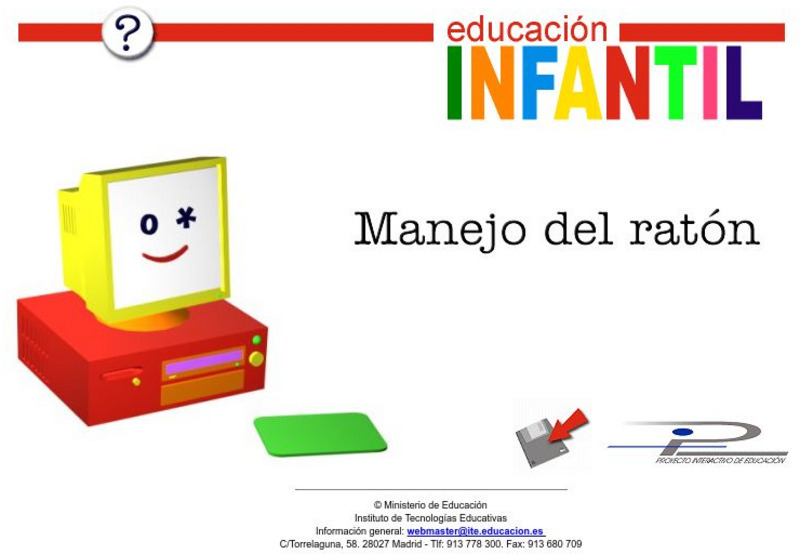
Ministerio De Educacion: Manejo Del Raton
These are simple games to introduce preschool children to use the mouse. There are many activities that match each of the mouse functions such as paths and trails, coloring, puzzles or creating faces.

Code.org
Code.org: Cs Fundamentals: Course A
Learn the basics of computer science and internet safety. At the end of the course, create your very own game or story you can share.
ABCya
Ab Cya: Click and Drag Make a Snowman
Practice basic mouse manipulation techniques using this interactive lesson. Using the mouse, learners move the shapes to create a colorful snowman. Immediate feedback given.

ABCya
Ab Cya: Click and Drag to Make a Face
Practice basic mouse manipulation skills using this interactive lesson. Using the mouse, learners move the shapes to create a colorful and funny face. Immediate feedback given.
Other
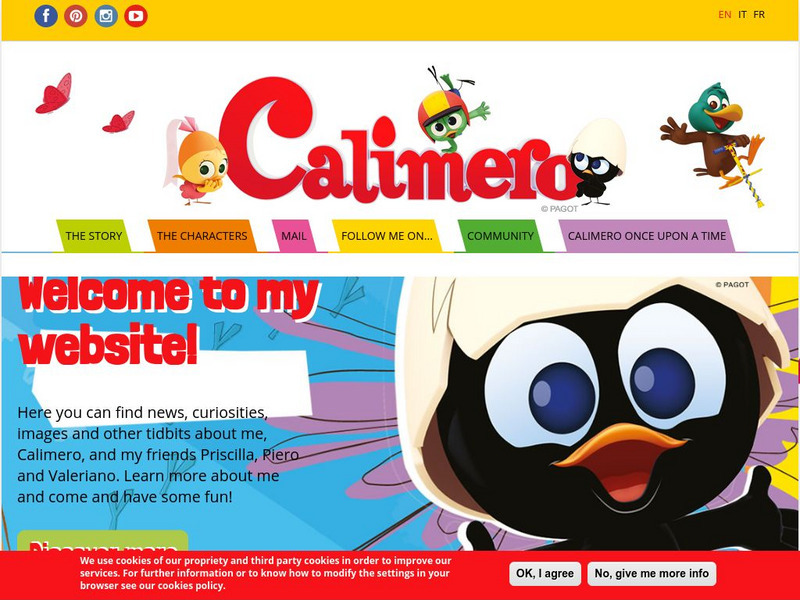
Calimero
A great site that allows young students to play with the computer and create postcards, read jokes and other stories and print out the alphabet or table decorations to color manually or import into a paint program to color with the...

Smithsonian Institution
National Postal Museum: Color Away
Put your crayons away and create postal themed works of art with this online coloring book from the National Postal Service.
ABCya
Ab Cya: Fuzz Bugs Farm Consonant Blends
Fuzz Bugs Farm Consonant Blends is a great activity for young children to work with consonant digraphs and the different words they create. Help your Fuzz Bugs Farm Animal make its way across the game board by answering different...
ABCya
Ab Cya: Secret Message Maker
The ABCya Secret Message Maker is a fun way to create, share and solve secret messages! Simply type your message into the maker and press the button to encrypt it! Next you can choose to solve it on the computer, save it or print it out.