Hi, what do you want to do?






Common Sense Media
Common Sense Media: Finding My Media Balance
Helping kids learn what makes different media choices healthy or not is a good start. But how do we help them actually make responsible choices in the real world? Help your students create a personalized media plan. Students will reflect...
Common Sense Media
Common Sense Media: Education: Lesson: Media Balance Is Important
[Free Registration/Login Required] In this lesson, students consider the feelings of themselves and others when making decisions about when, where, and how much to use technology. Includes slideshow, video, lesson plan, song and lyrics,...
Common Sense Media
Common Sense Media: Education: Lesson: That's Private!
[Free Registration/Login Required] Staying safe online is a lot like staying safe in the real world. By helping a Digital Citizen sign up for a new app, 2nd graders learn about the kinds of information they should keep to themselves when...
Common Sense Media
Common Sense Media: Education: Lesson: Who Is in Your Online Community?
[Free Registration/Login Required] By learning the Rings of Responsibility, 2nd graders explore how the Internet connects us to people in our community and throughout the world. Help students to think critically about the different ways...
Common Sense Media
Common Sense Media: Education: Lesson: How Technology Makes You Feel
[Free Registration/Login Required] This lesson plan challenges kids to pay attention to their feelings while using tech. With an engaging emoji game, 1st graders learn practical strategies for managing their feelings - good, bad, and...
Media Smarts
Media Smarts: Your Connected Life: A Teen's Guide to Life Online [Pdf]
This guide is designed to help students who are just entering high school balance the demands their offline life with their digital one. The guide offers practical advice on a variety of activities kids like to do online, including...
Other
The Digital Scoop: Using Skitch in Kindergarten
In this article, a teacher explains how she taught kindergarten students to take photographs. They were then shown how to open an iPad app called Skitch and add words to accompany their pictures. This was followed by a Math activity...
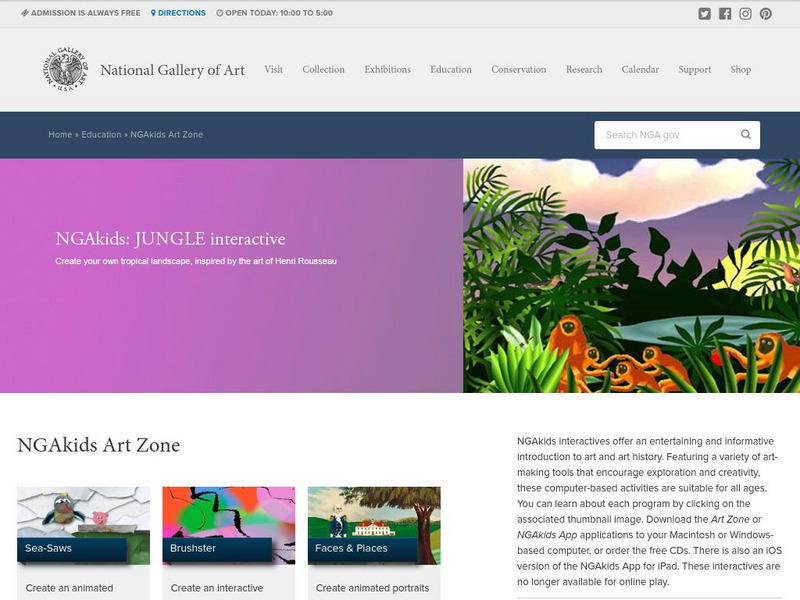
National Gallery of Art
National Gallery of Art: The Art Zone
Ten interactive activities that allow you to use the computer to create and manipulate works of art.