Hi, what do you want to do?






Curated OER
Storefront Signs
Learners practice finding the areas and patterns within a square and explore the concept of quadratic functions. They observe and record the area values in a table, plot a graph of Area versus Distance and complete a variety of student...

Curated OER
Fractions and Halves
Fourth graders examine halves of a whole and discover through activities that they must be exactly equal in size. Working with Geoboards and Dot-Paper Squares, the class practices finding halves that are both congruent and incongruent.

Curated OER
Design an Apartment
Students are given the task of designing an apartment. In groups, they practice estimating the area and perimeter of different shapes. After designing their space, they apply the same formulas to solving real-world story problems.

Curated OER
Perimeters, Patterns, and Conjectures
Students discover patterns and write conjectures relating to perimeters and polygons. Working in cooperative learning groups, they use manipulatives and graphic organizers to solve problems then answer a series of questions in which they...

Curated OER
Investigation-Looking at Polygons
Eighth graders plot points and investigate polygons. They locate a point, using ordered pairs of integers on the coordinate plane. Students compare geometric measurements and computations on coordinate axes as they are applied to...

Curated OER
What Is Your Point?
Sixth graders identify the x and y axes in a coordinate plane and identifies the coordinates of a given point in the first quadrant. They plot specific points in the first quadrant of the Cartesian coordinate system.

Curated OER
Learning about Shapes with Tangrams and the Net
Students use tangrams, student literature, and Websites to explore shapes.
Texas Instruments
Texas Instruments: Geoboard and Area
In this activity, students find areas of figures which are displayed on a grid. They also use the Geoboard application to find areas of figures they draw.
Texas Instruments
Texas Instruments: Geoboard App
Students use the Geoboard App to measure arcs, line segments, area, and perimeter, as well as rotate, reflect, and translate objects.

University of Waterloo (Canada)
University of Waterloo: How to Use the Geoboard
Four worksheets are linked which deal with area and perimeter of shapes constructed on the Geoboard. Additionally, a link is given to an online Geoboard so students may play with the model on their own.
Texas Instruments
Texas Instruments: Surround and Be Found! Triangular Areas, That Is!
In this activity, students use the Geoboard to determine the area of triangles using the surrounding rectangle technique. They also develop and use formulas to determine the area of triangles. [Requires Adobe Reader.]
Cut the Knot
Cut the Knot! Pick's Theorem
This site explains Pick's Theorem and contains an interactive geoboard and activity to help understand the theorem.
Texas Instruments
Texas Instruments: Move Along Little Vertex
In this activity, students use the Geoboard to determine the area of triangles having the same base and same height.
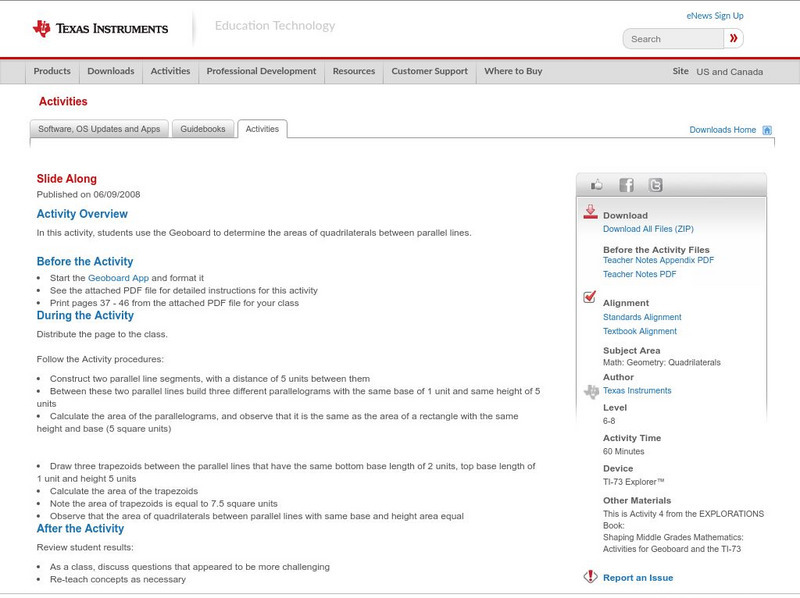
Texas Instruments
Texas Instruments: Slide Along
In this activity, students use the Geoboard to determine the areas of quadrilaterals between parallel lines. [Requires Adobe Reader.]
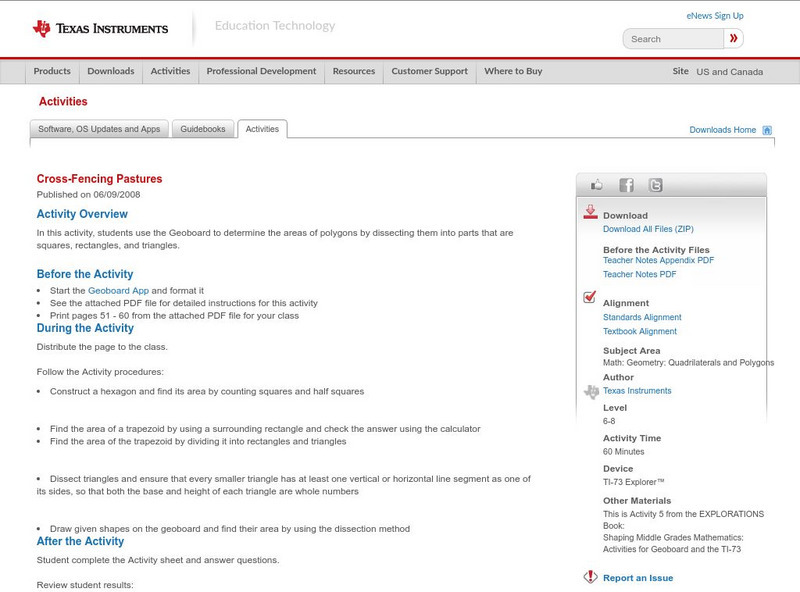
Texas Instruments
Texas Instruments: Cross Fencing Pastures
In this activity, students use the Geoboard to determine the areas of polygons by dissecting them into parts that are squares, rectangles, and triangles.
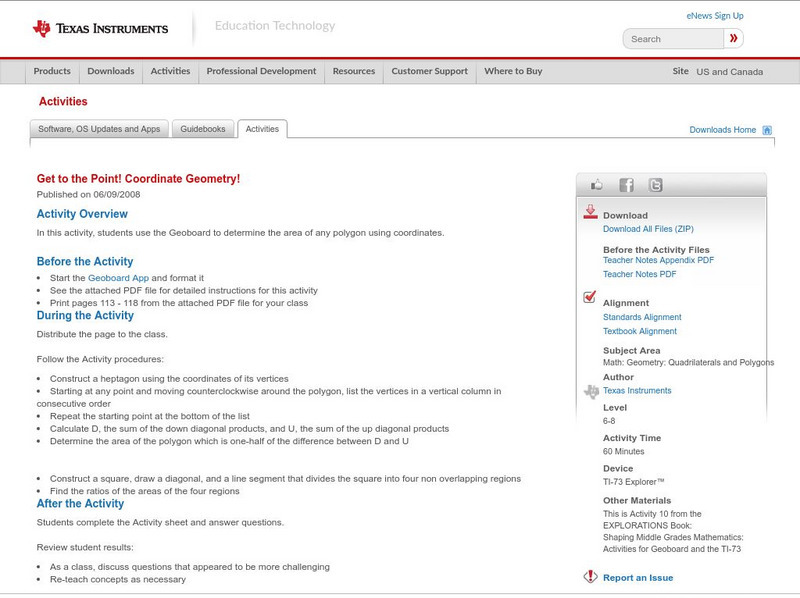
Texas Instruments
Texas Instruments: Get to the Point! Coordinate Geometry!
In this activity, students use the Geoboard to determine the area of any polygon using coordinates.

Texas Instruments
Texas Instruments: Pick and Choose! Using Pick's Theorem!
In this activity, students use the Geoboard to determine the area of any polygon using Pick's Theorem.