Hi, what do you want to do?






Curated OER
Investigation-Looking at Polygons
Eighth graders plot points and investigate polygons. They locate a point, using ordered pairs of integers on the coordinate plane. Students compare geometric measurements and computations on coordinate axes as they are applied to...

Curated OER
Rep Tiles
Third graders use pattern blocks of one shape at a time to try to create a similar shape. They compare the perimeter of the new figure with the perimeter of the original shape and look for a pattern. Students use the pattern to predict...

Curated OER
What Is Your Point?
Sixth graders identify the x and y axes in a coordinate plane and identifies the coordinates of a given point in the first quadrant. They plot specific points in the first quadrant of the Cartesian coordinate system.

Curated OER
Reflections
Fifth graders create a reflection of a poygon using a Mira. They discover that a line connecting a vertiex of a polygon and the corresponding vertex of its reflection is perpendicular to the line of reflection. Students create a glide...

Curated OER
Square Roots
Students differentiate between perfect roots and rational roots. In this algebra lesson, students perform operation using roots. They add, subtract, multiply and divide rational expressions.

Curated OER
Learning about Shapes with Tangrams and the Net
Learners use tangrams, student literature, and Websites to explore shapes.

Curated OER
Fractions of a Set
Third graders use fractions to describe part of a set. In this fractions instructional activity, 3rd graders are introduced to fractions through a book and use pattern blocks to describe a fraction as a part of a set. This instructional...

Curated OER
Perimeters, Patterns, and Conjectures
Students discover patterns and write conjectures relating to perimeters and polygons. Working in cooperative learning groups, they use manipulatives and graphic organizers to solve problems then answer a series of questions in which they...
CPALMS
Cpalms: Area of Rectangles: A More Efficient Way?
[Free Registration/Login Required] In this lesson, students will connect the concepts of counting each square unit and multiplying the side lengths to compute the area of a rectangle. They will extend this knowledge by computing a side...

Other
Math Learning Center: Virtual Geoboard
A geoboard that can be adapted for different grade levels. Choose from three types of geoboard and eight different elastic colors. Shapes can be duplicated, rotated, flipped, and filled in. There are also drawing tools as well as a...
Texas Instruments
Texas Instruments: Geoboard and Area
In this activity, students find areas of figures which are displayed on a grid. They also use the Geoboard application to find areas of figures they draw.
Texas Instruments
Texas Instruments: Geoboard App
Students use the Geoboard App to measure arcs, line segments, area, and perimeter, as well as rotate, reflect, and translate objects.
University of Waterloo (Canada)
University of Waterloo: How to Use the Geoboard
Four worksheets are linked which deal with area and perimeter of shapes constructed on the Geoboard. Additionally, a link is given to an online Geoboard so students may play with the model on their own.
Texas Instruments
Texas Instruments: Surround and Be Found! Triangular Areas, That Is!
In this activity, students use the Geoboard to determine the area of triangles using the surrounding rectangle technique. They also develop and use formulas to determine the area of triangles. [Requires Adobe Reader.]
Cut the Knot
Cut the Knot! Pick's Theorem
This site explains Pick's Theorem and contains an interactive geoboard and activity to help understand the theorem.
Science and Mathematics Initiative for Learning Enhancement (SMILE)
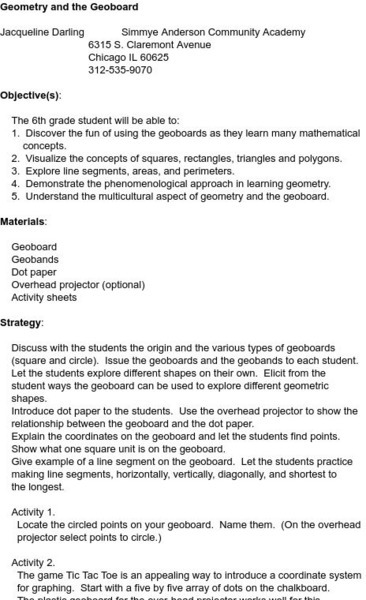
Smile: Geometry and the Geoboard
This site is a lesson plan for using a geoboard in a sixth grade geometry class. The lesson serves as an introduction to the geoboard and its uses in geometry. Some topics the lesson covers include helping to visualize shapes and and...
Illustrative Mathematics
Illustrative Mathematics: 6.g Same Base and Height, Variation 1
Make the following triangles on a geoboard. Remember that the pegs are equally spaced in a square grid. Compare the areas of the triangles. Aligns with 6.G.A.1.

ClassFlow
Class Flow: Geoboards
[Free Registration/Login Required] Geoboards bring challenge into the classroom as the student uses methods to measure length, area, and perimeters of polygons.
Texas Instruments
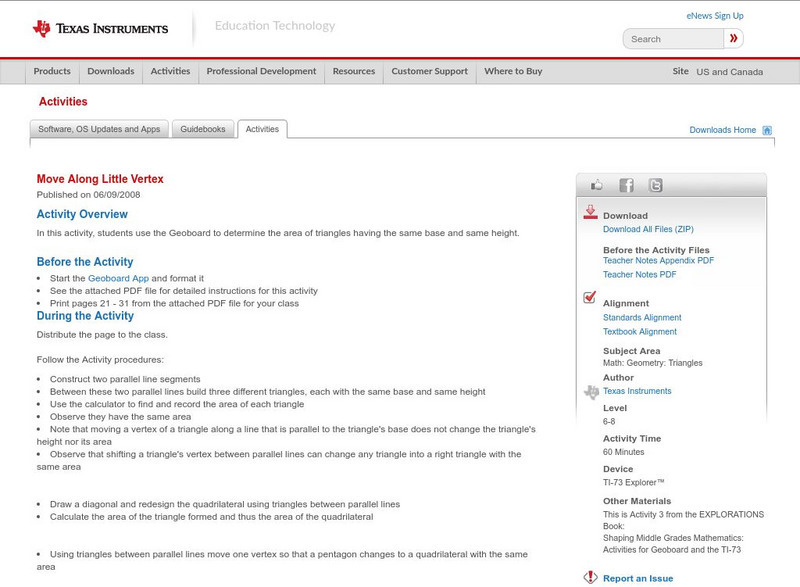
Texas Instruments: Move Along Little Vertex
In this activity, students use the Geoboard to determine the area of triangles having the same base and same height.
Texas Instruments
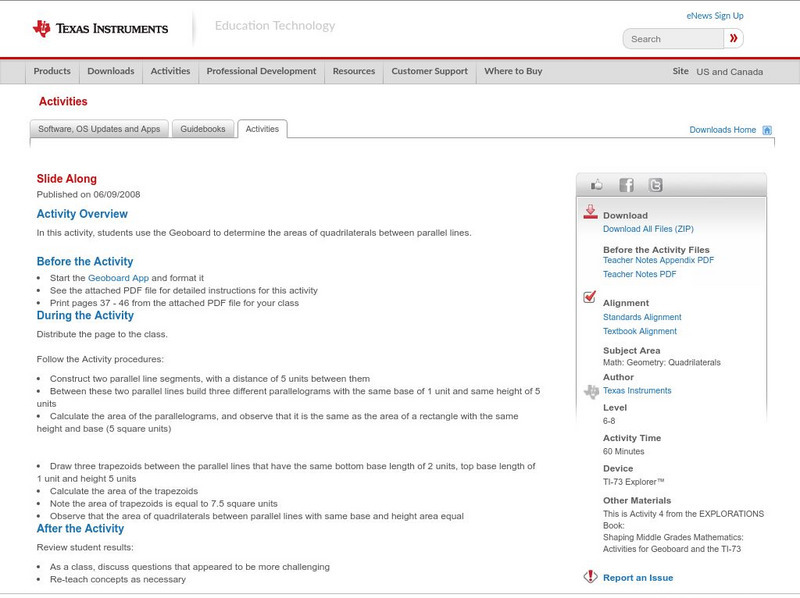
Texas Instruments: Slide Along
In this activity, students use the Geoboard to determine the areas of quadrilaterals between parallel lines. [Requires Adobe Reader.]
Texas Instruments
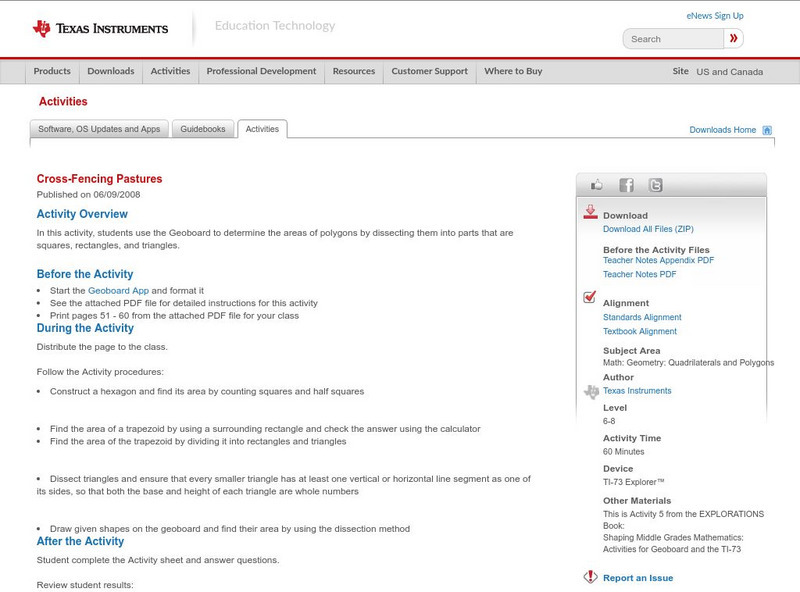
Texas Instruments: Cross Fencing Pastures
In this activity, students use the Geoboard to determine the areas of polygons by dissecting them into parts that are squares, rectangles, and triangles.
Texas Instruments
Texas Instruments: Get to the Point! Coordinate Geometry!
In this activity, students use the Geoboard to determine the area of any polygon using coordinates.

Texas Instruments
Texas Instruments: Pick and Choose! Using Pick's Theorem!
In this activity, students use the Geoboard to determine the area of any polygon using Pick's Theorem.
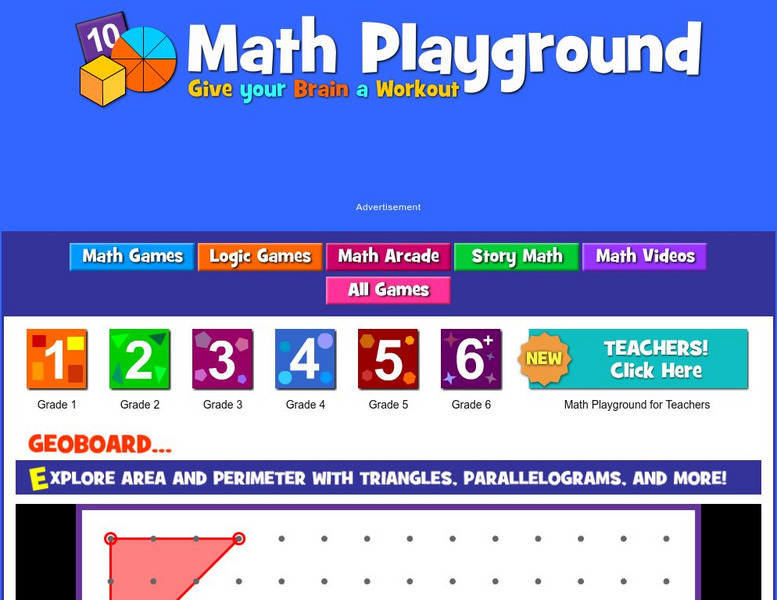
Math Playground
Math Playground: Geometry Board
Create polygons by stretching bands over pegs on this geometry board. Then find the area and perimeter of the shape you created.