Hi, what do you want to do?






Curated OER
Writing Japanese Stories (Grades 6-8)
Students listen to several Japanese stories and write their own Japanese-style stories, which they share with the class.

Curated OER
What Interests You?
Fourth graders investigate math in the real world using internet search methods to locate career fields of interest. They select an occupation, and draft brief paragraphs that reflect insight as to why that occupation interests them.

Curated OER
Giving Generously
Students are read a book about giving. They discover that giving to others is rewarding. They also locate China on a map and make their own rice cakes.

Curated OER
Infectious Diseases
Seventh graders create a brochure for a fictional pharmaceutical company.

Curated OER
Career Education
Students participate in a lesson that focuses on the research of a chosen career field. They gather information from a variety of resources. The information is used to compose a research paper or powerpoint presentation.

Curated OER
Creating Plants
Students create their own plants and write about them using digital cameras, AppleWorks, and the educational program Kid Pix. Emphasis is placed on the creative process and reflective writing.

Curated OER
For Better or Worse: Cultural Exchange
Students participate in a cultural exchange program with a Native American school in Winnebago, Nebraska. They conduct research on a variety of Native American tribes, prepare a presentation that represents the culture of their school...

Curated OER
Maintain Air Quality
Students are engaged in discussing air quality through hands-on demonstrations using balloons, sealed jars, and toy cars. Students conduct a home radon test to measure their air quality.

Curated OER
Graphing To Solve Systems of Equations
Young scholars explore graping linear equations and their relevance to real life situations. After a teacher led demonstration, students work at their desks and on the board to plot points and determine the slope of a line. Young...

Curated OER
Vehicles
Students develop appropriate vocabulary for identifying types of vehicles. After viewing pictures of automobiles, students work to create a brief, accurate description of the vehicle using proper vocabulary and grammar. Students then...

Curated OER
Christmas Truce
Young scholars research the Christmas truce during World War I. In this social studies lesson, students discuss World War I and the Christmas Truce. Young scholars write a response about the truce.
Capital Community College Foundation
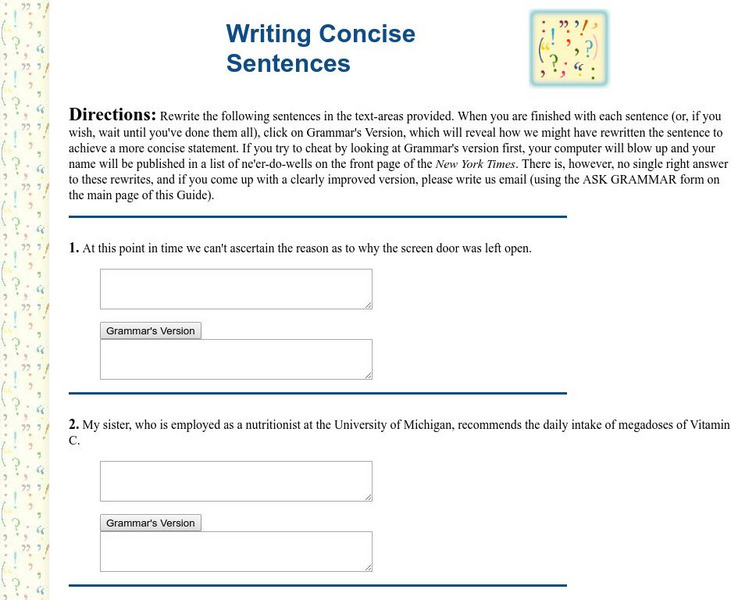
Guide to Grammar and Writing: Exercise in Writing Concise Sentences
Practice rewriting each of these twelve sentences in a more clear and concise manner. Check each sentence against the answer provided to see how well they match up.

Texas Education Agency
Texas Gateway: On Track English I Writing: Editing
This site offers links to each section of Writing, Module 8, Lessons 1-9 and Practices 1-3. Students write legibly and use appropriate capitalization and punctuation conventions in their compositions; spell correctly; and edit drafts for...
Texas Education Agency
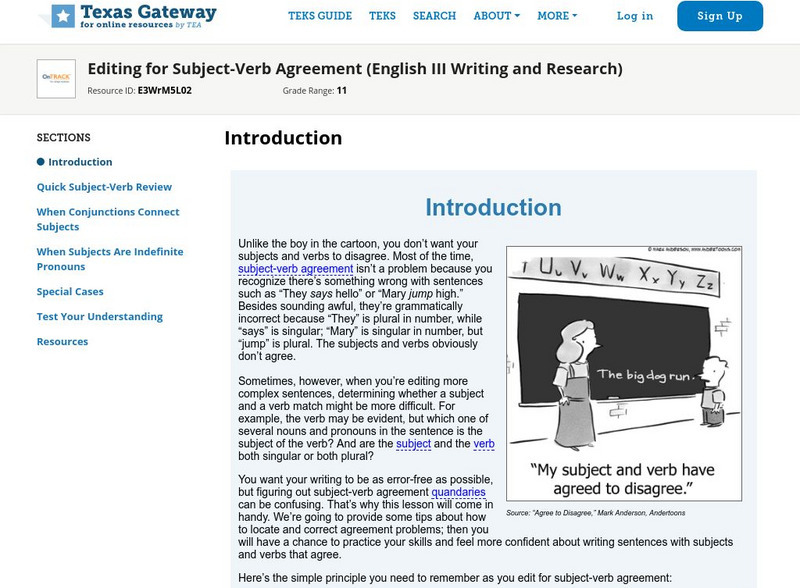
Texas Gateway: Editing for Subject Verb Agreement
This lesson will provide some tips about how to locate and correct agreement problems; then students will have a chance to practice their skills and feel more confident about writing sentences with subjects and verbs that agree.

Texas Education Agency
Texas Gateway: Strategies for Revising: Practice 3
[Accessible by TX Educators. Free Registration/Login Required] In this lesson, you will review the different types of clauses and sentences. You will also use editing strategies to help you add variety to your sentences. A step-by-step...
Online Writing Lab at Purdue University
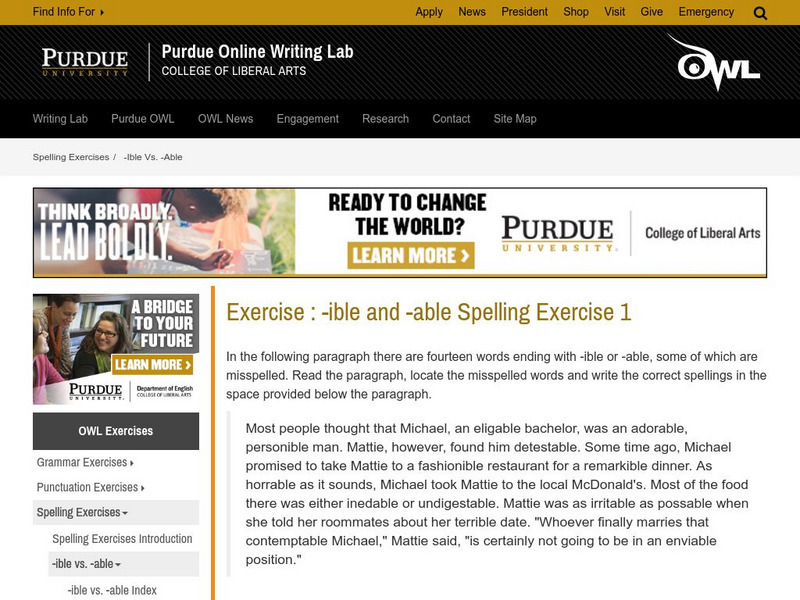
Purdue University Owl: Exercise: Ible and Able Spelling Exercise 1
This Purdue University OWL (Online Writing Lab) provides practice with adding -ible or -able as suffixes to words based on the context of sentences.
IQ Site
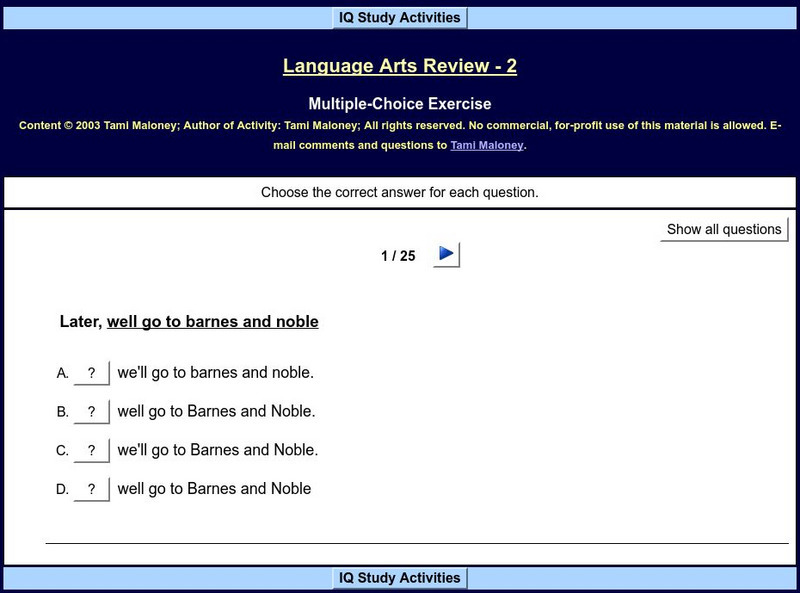
Iq Study Activities: Language Arts Review 2
Correct the underlined part of twenty-five sentences by choosing the correctly written phrase. The sentences provide practice for editing and proofreading skills such as punctuation, capitalization, grammar usage, and spelling. Score is...
Capital Community College Foundation
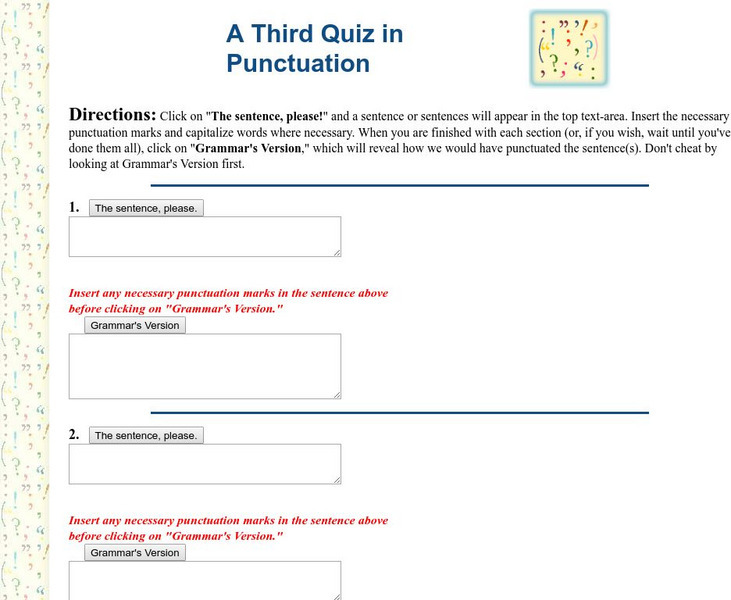
Guide to Grammar and Writing: Quiz in Punctuation
It this interactive punctuation quiz, students read sentences or passages and insert the necessary punctuation and capitalization. After each answer, students select "Grammar's Version" to reveal the corrected passage and an explanation....
IQ Site
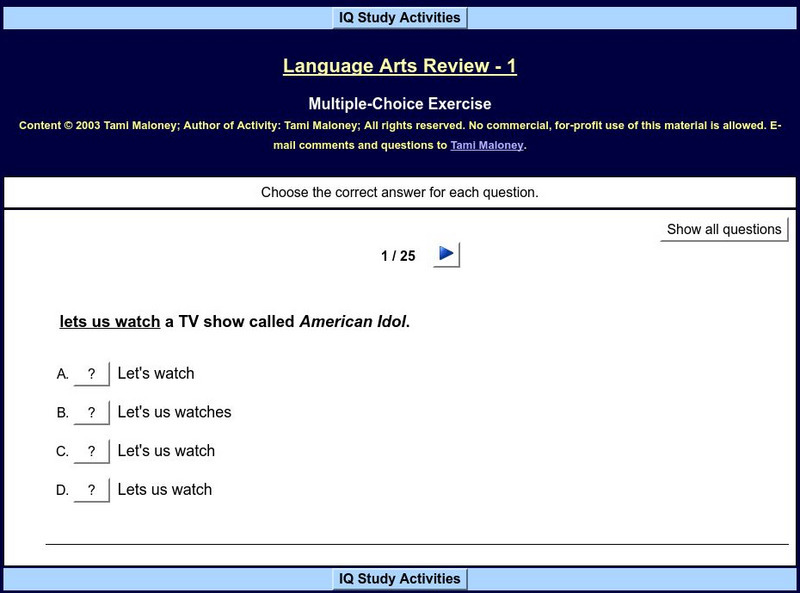
Iq Study Activities: Language Arts Review 1
Students practice spelling, punctuation, capitalization, and usage skills by choosing the correctly written phrase for the underlined section in twenty-five sentences. Keep score as you go along and see your final score at the end of the...
Quia
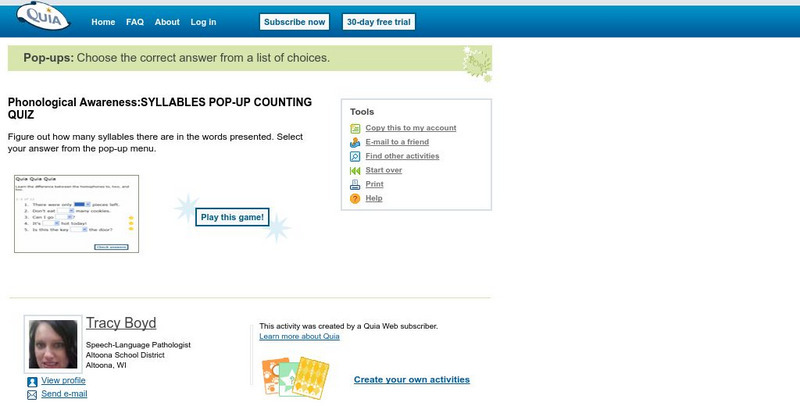
Quia: Phonological Awareness
This proofreading exercise asks students to read sentences and using the drop-down menu to select the correct choice for the blank. These sentences cover capitalization, punctuation, spelling, and usage.
Capital Community College Foundation
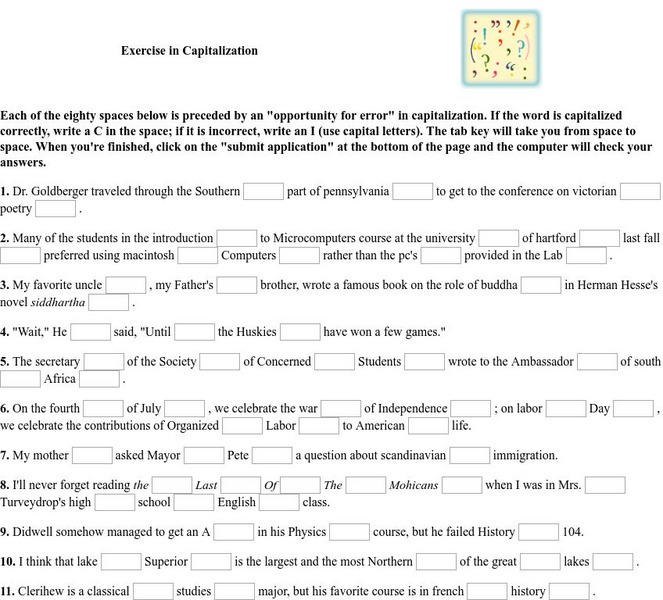
Guide to Grammar and Writing: Exercises in Capitalization
In this exercise, students are read sentences with boxes in which to correct a capitalization error. They need to determine if the word is correctly capitalized and type a "C" in the box for correct or an "I" in the box for incorrect.
Sophia Learning
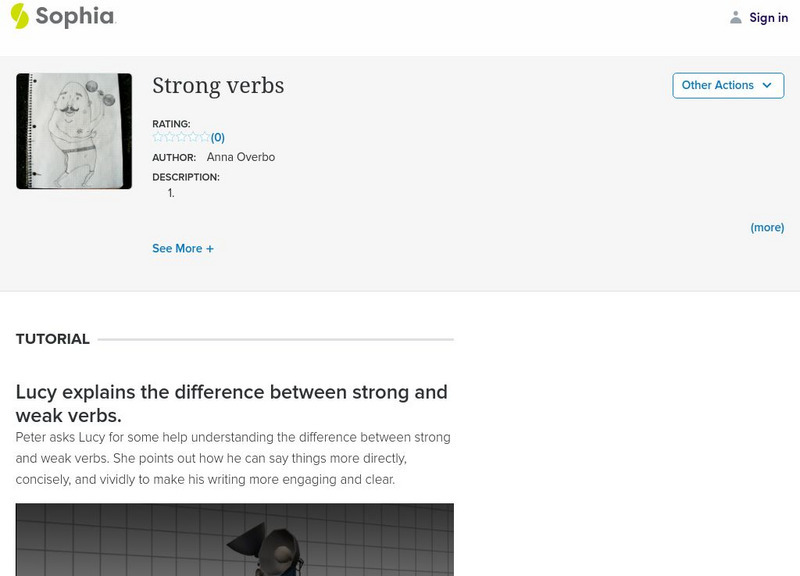
Sophia: Strong Verbs
This tutorial focuses on replacing weak verbs with strong verbs in writing. It offers a video of robots Peter and Lucy discussing his need to fix the weak verbs in his writing. This information is summarized in a slideshow that follows:...
Other
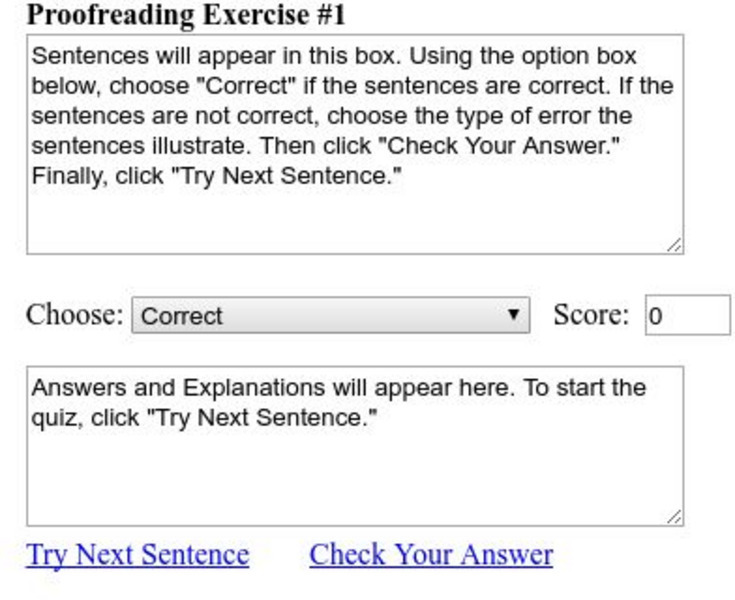
Pen and Page: Proofreading Exercise 1
In this proofreading exercise, students read a sentence and decide if it is correct. If it is correct, they leave "Correct" in the box; if not, they use the drop-down menu and select the type of error they detected. Then they click check...
Other
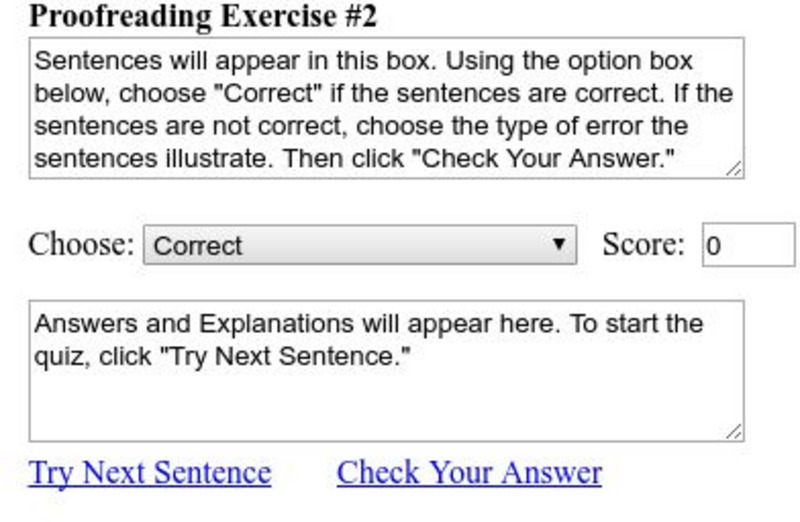
Pen and Page: Proofreading Exercise 2
In this proofreading exercise, students read a sentence and determine if there are errors in it. If no errors are detected, they leave Correct in the box; if they find an error, they select the type of error found using the drop-down...