Hi, what do you want to do?





Texas Instruments
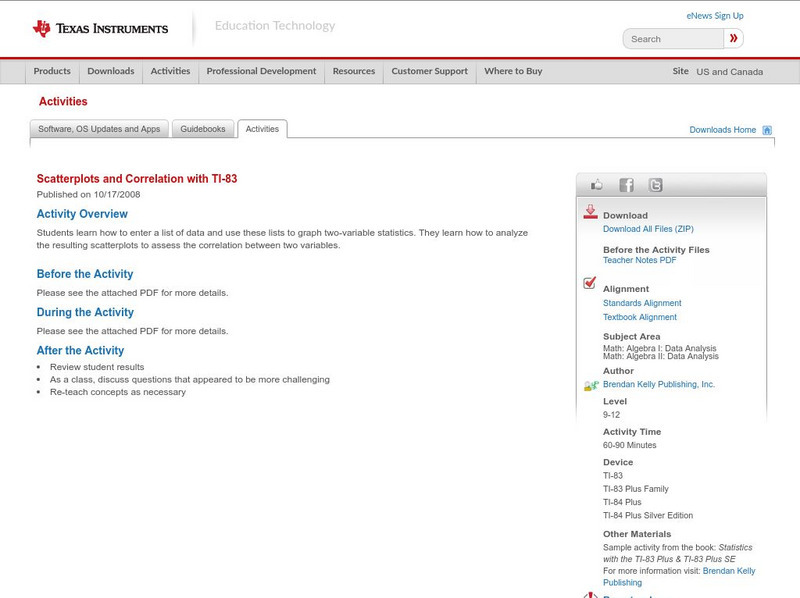
Texas Instruments: Scatterplots and Correlation With Ti 83
Students learn how to enter a list of data and use these lists to graph two-variable statistics. They learn how to analyze the resulting scatterplots to assess the correlation between two variables.
Texas Instruments
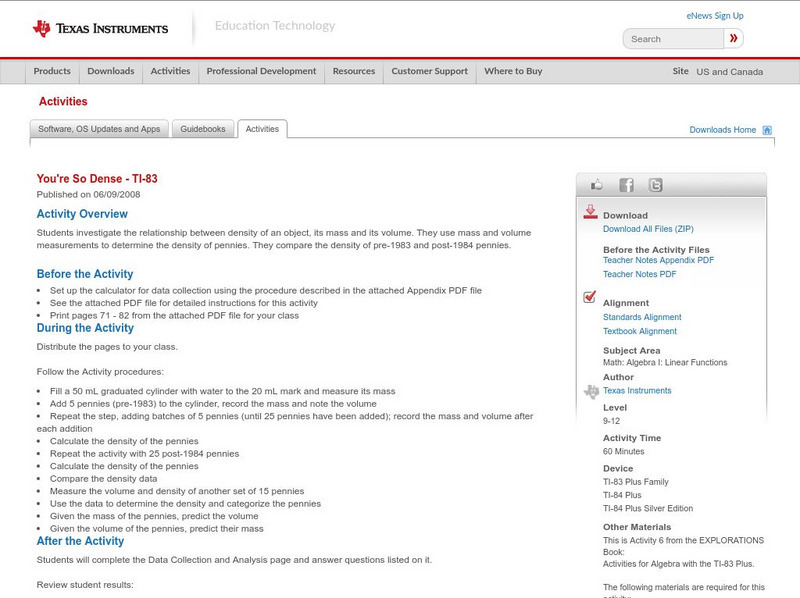
Texas Instruments: You're So Dense Ti 83
Students investigate the relationship between density of an object, its mass and its volume. They use mass and volume measurements to determine the density of pennies. They compare the density of pre-1983 and post-1984 pennies.

Texas Instruments
Texas Instruments: The Calcumites Are Coming! Ti 83
Students model the growth of a population and compare ideal growth with a population whose growth is limited. They use technology to find exponential and logistic regression equations and use them to plot models.
Texas Instruments
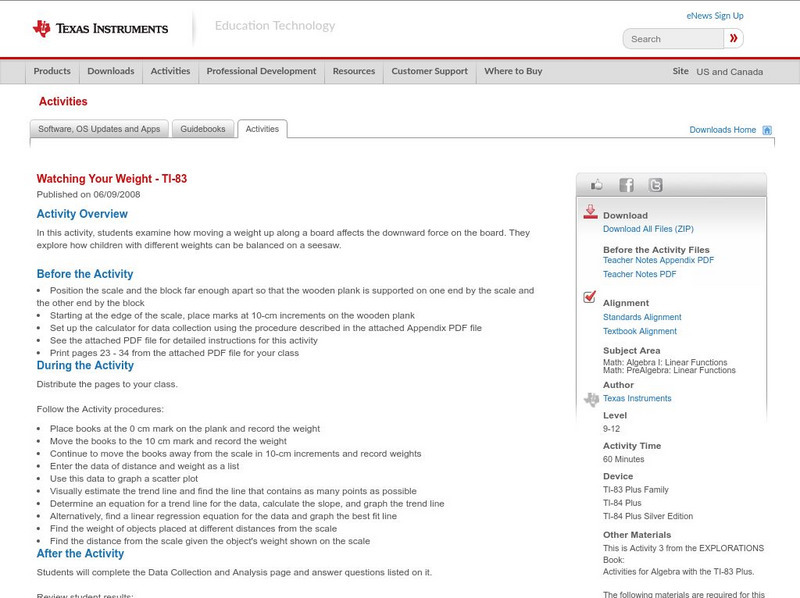
Texas Instruments: Watching Your Weight Ti 83
In this activity, students examine how moving a weight up along a board affects the downward force on the board. They explore how children with different weights can be balanced on a seesaw.
Texas Instruments
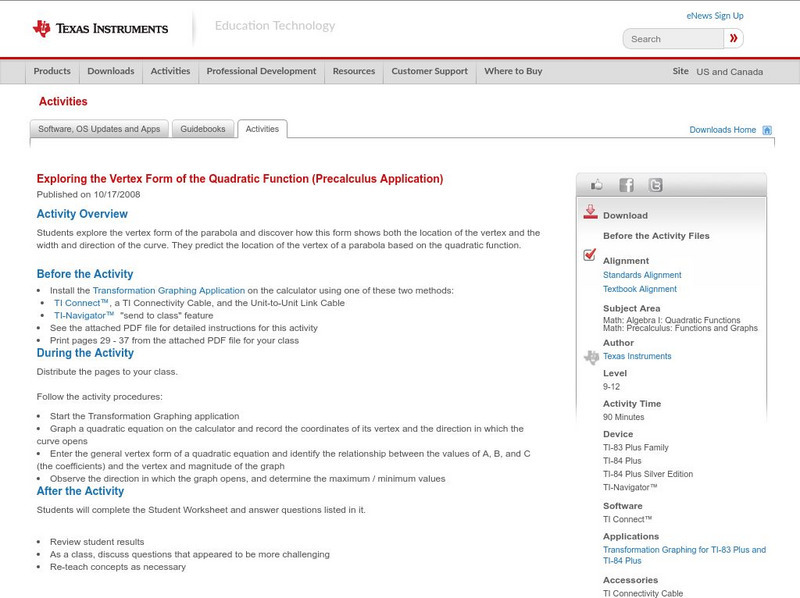
Texas Instruments: Exploring the Vertex Form of the Quadratic Function
Examine the changes in a graph of a quadratic function that occur when different transformations are applied to the vertex form of the equation. Students will need to have the transformation graphing application on their TI-83+...
Texas Instruments
Texas Instruments: Points of Intersection and Zeros of Functions
Solve equations and find zeroes of functions using the TI-83 in this lesson. Keystroke instructions and calculator screenprints are included to help students with the activity.
Texas Instruments
Texas Instruments: Explore End Behavior
Guide your students to the discovery that the end behavior of a polynomial function is determined by the degree of the polynomial and the sign of the leading coefficient by using this activity from Holt, Rinehart, & Winston's Algebra...
Texas Instruments
Texas Instruments: Graphing Polynomial Functions
Here's a very detailed, step-by-step activity for students to do to learn about the relationship between the factored form of a polynomial function and its graph. Calculator instructions for the TI-83 are given, right down to the screen...
Texas Instruments
Texas Instruments: Numb3 Rs Season 2 "Convergence" Where Is the Bullet?
Charlie uses parametric equations of projectile motion to figure out where to look for a fired bullet in the "Convergence" episode of the show NUMB3RS. The lesson plan includes a student page complete with keystroke instructions for the...
Texas Instruments
Texas Instruments: Inverse Functions
Review inverse functions with your students using this TI-83 activity. Students will find inverses of given functions, determine whether the inverse is a function, graph both, and check for symmetry through the line y=x. The lesson...
Texas Instruments
Texas Instruments: Graphs of Quadratic Functions in Vertex Form
TI Explorations books has a great activity for TI InterActive! in graphing parabolas in vertex form. What if you don't have TI InterActive! or a lab to take your students, but you do have a class set of TI-83 or TI-84. This activity...

Texas Instruments
Texas Instruments: Basic Trigonometry Love or Leave It!!
This activity has the teacher to create 3 triangles on Cabri Jr. on the TI-83 or TI-84. It will prove to students how trigonometry ratios are found. It will show to the students where the ratios are derived rather than just telling the...
Texas Instruments
Texas Instruments: River Running: Vector Components
In this activity, students use TI-Interactive! or TI-83/84's to explore the independence of vertical and horizontal velocity components for swimmers crossing a river.
Texas Instruments
Texas Instruments: Spring Thing
This activity uses the CBL, TI-83 Plus/TI-84 Plus, force probe, and motion detector to investigate the acceleration of a mass on a spring. It also investigates Hooke's Law.
Texas Instruments
Texas Instruments: Half Life Lab
This activity explains how students use a CBL2 and TI-83 or TI-84 calculator to collect and calculate the half-life of a barium isotope. Students can use an isogenerator to milk out a meta stable isotope of Barium with a short half-life....
Texas Instruments
Texas Instruments: Ball Bounce
This activity allows students to use real data obtained by them to model quadratic equations. students can use the TI-83 and/or TI-84 and a motion detector to collect their data. The students will then manually fit both quadratic and...

Texas Instruments
Texas Instruments: Inequality Graphing App
This activity investigates the use of the Inequality Graphing App of the TI-83 Plus/TI-84 Plus to solve a linear programming problem.
Texas Instruments
Texas Instruments: Confidence Intervals for Proportions
The student will use the TI-83 Plus/TI-84 Plus to calculate confidence intervals for proportions.
Texas Instruments
Texas Instruments: Probability, Simulations, and Probability Distributions
Use simulation on the TI-83 graphing calculator to teach students about the distribution of sample proportions, distribution of sample means, the Central Limit Theorem, normal probability plots, and the Law of Large Numbers. Pick and...
Texas Instruments
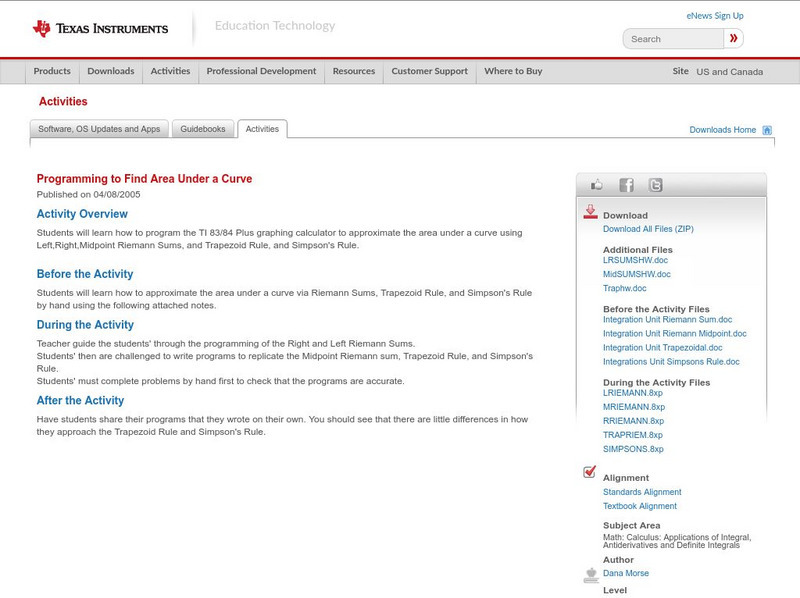
Texas Instruments: Programming to Find Area Under a Curve
Students will learn how to program the TI 83/84 Plus graphing calculator to approximate the area under a curve using Left,Right,Midpoint Riemann Sums, and Trapezoid Rule, and Simpson's Rule.
Texas Instruments
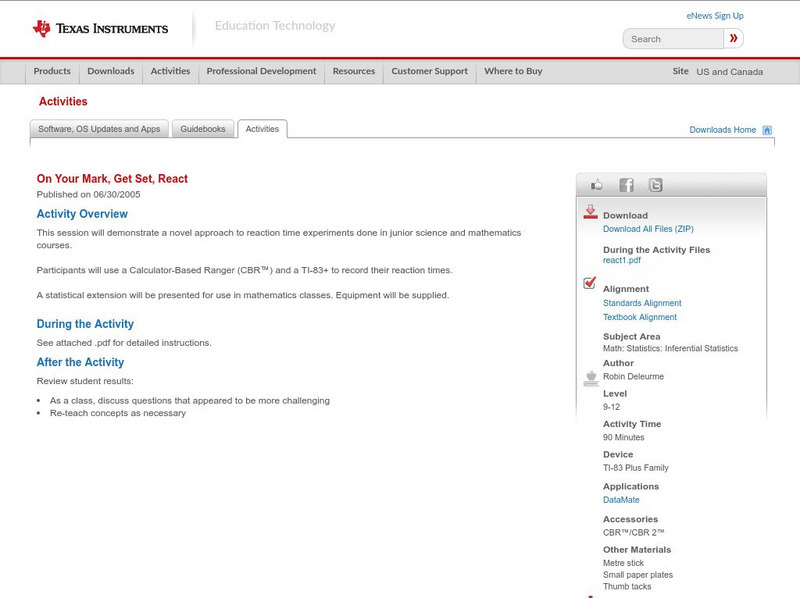
Texas Instruments: On Your Mark, Get Set, React
This session will demonstrate a novel approach to reaction time experiments done in junior science and mathematics courses. Participants will use a Calculator-Based Ranger (CBR) and a TI-83+ to record their reaction times.
Texas Instruments
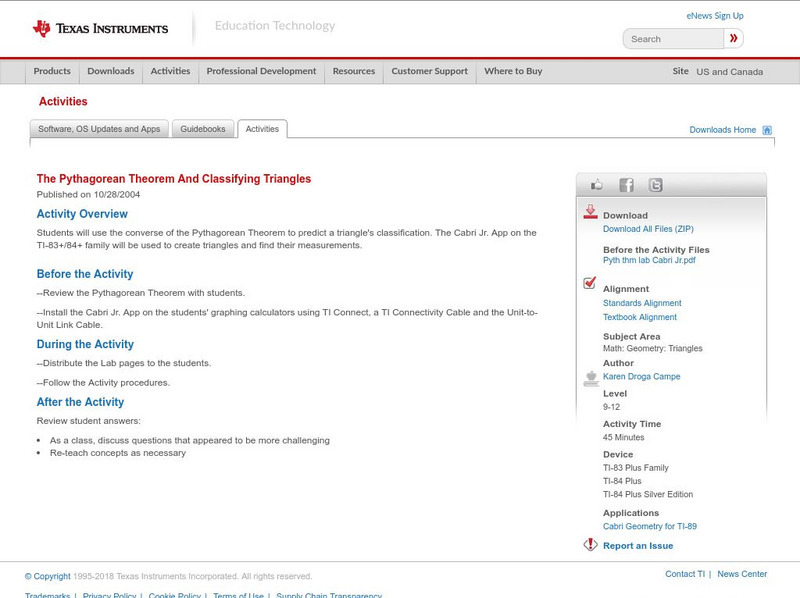
Texas Instruments: The Pythagorean Theorem and Classifying Triangles
Students can use the converse of the Pythagorean Theorem to predict a triangle's classification. The Cabri Jr. App on the TI-83+/84+ family will be used to create triangles and find their measurements. Adobe PDF lab worksheets are included.
Texas Instruments
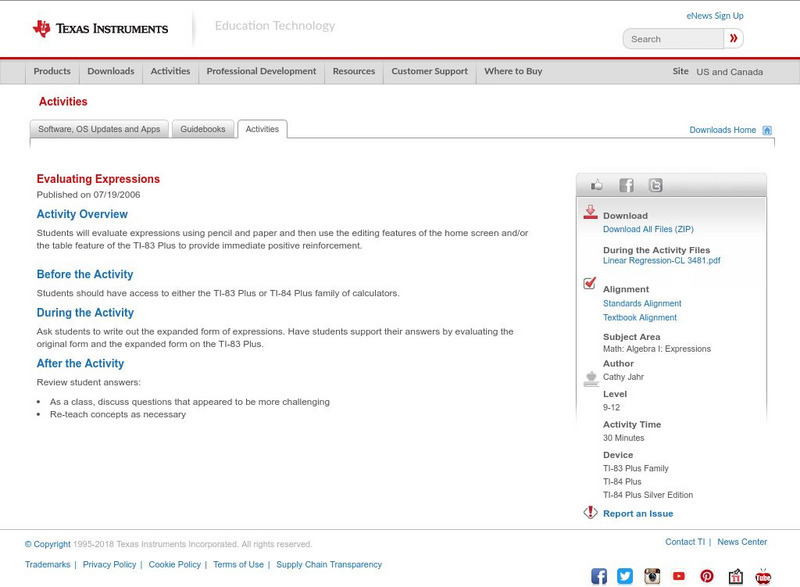
Texas Instruments: Evaluating Expressions
Students will evaluate expressions using pencil and paper and then use the editing features of the home screen and/or the table feature of the TI-83 Plus to provide immediate positive reinforcement.
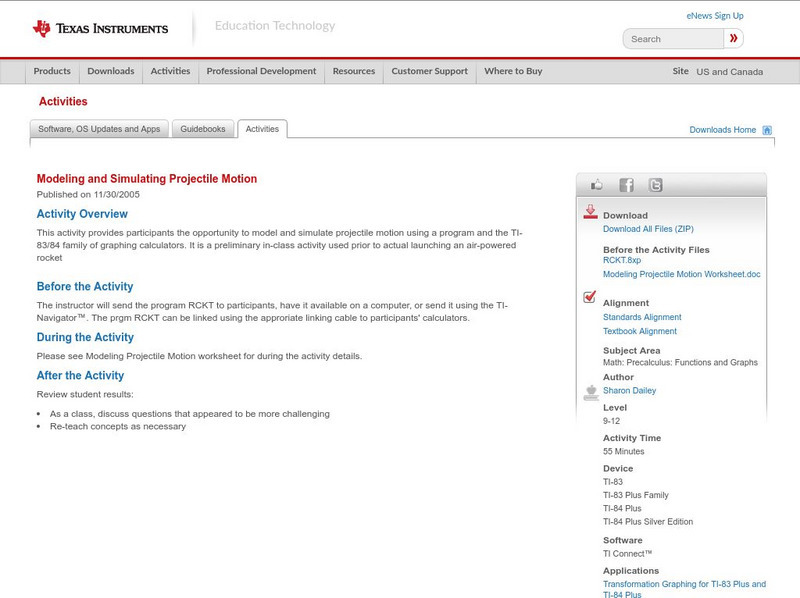
Texas Instruments
Texas Instruments: Modeling and Simulating Projectile Motion
This activity provides participants the opportunity to model and simulate projectile motion using a program and the TI-83/84 family of graphing calculators. It is a preliminary in-class activity used prior to actual launching an...
Other popular searches
- Ti 83, Circle Graphs
- Scatter Plots Ti 83
- Ti 83 Circle Graphs
- Graphing Calculators Ti 83
- Graphing Picture With Ti 83
- Ti 83 Calculators
- Ti 83 Statistical Analysis
- Scatter Plot and Ti 83
- Graphing on Ti 83 Calculator
- Calculator Ti 83
- Ti 83 Calculator Worksheets
- Ti 83 Tutorial