Hi, what do you want to do?






Texas Instruments
Texas Instruments: The Family of Linear Functions
Students can use a graphing calculator to explore families of linear functions. This Technology Lab accompanies Lesson 5-9 from the 2007 Holt, Rinehart and Winston textbook.
Texas Instruments
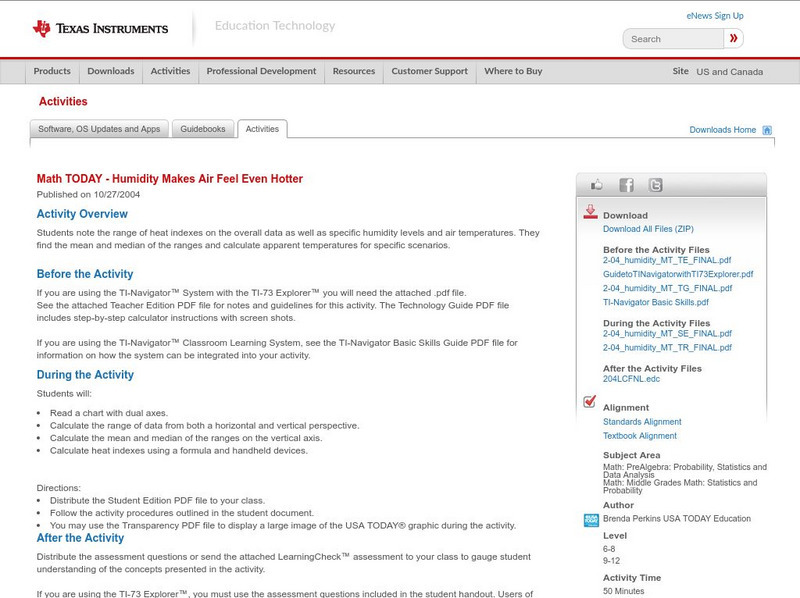
Texas Instruments: Math Today Humidity Makes Air Feel Even Hotter
Students note the range of heat indexes on the overall data as well as specific humidity levels and air temperatures. They find the mean and median of the ranges and calculate apparent temperatures for specific scenarios.
Texas Instruments
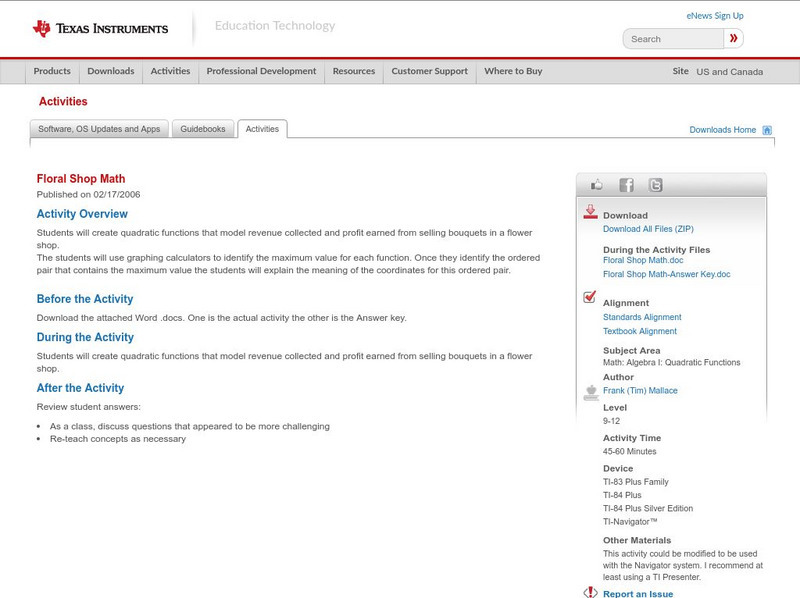
Texas Instruments: Floral Shop Math
Students will create quadratic functions that model revenue collected and profit earned from selling bouquets in a flower shop. The students can use graphing calculators to identify the maximum value for each function. Once they identify...
Texas Instruments
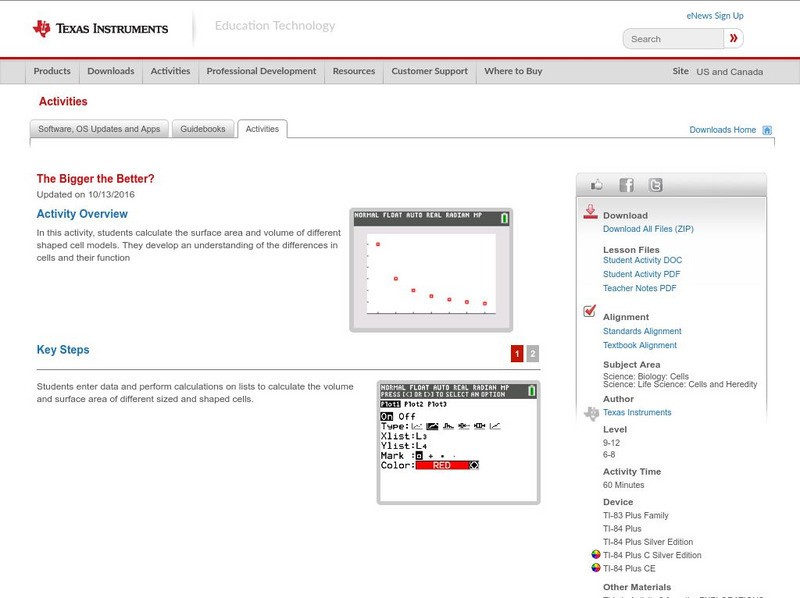
Texas Instruments: The Bigger the Better?
In this activity, students calculate the surface area and volume of different shaped cell models. They develop an understanding of the differences in cells and their function
Texas Instruments
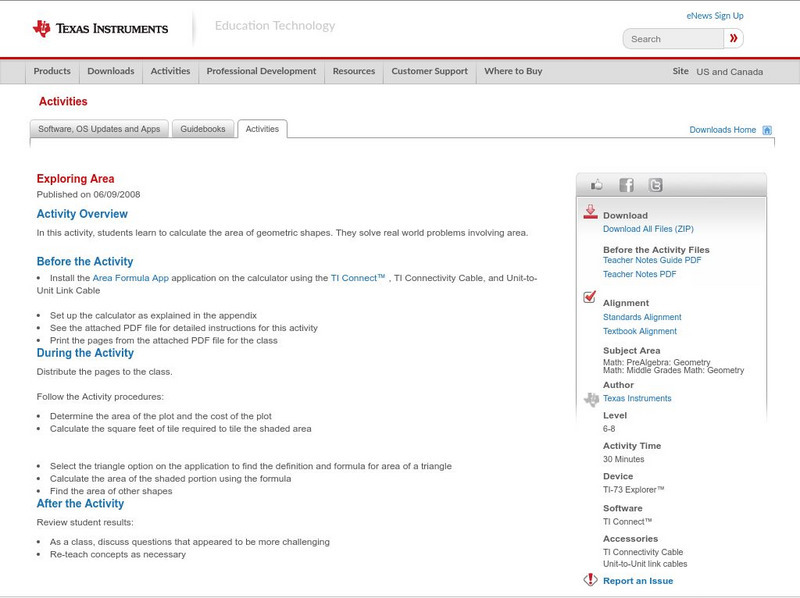
Texas Instruments: Exploring Area
In this activity, students learn to calculate the area of geometric shapes. They solve real world problems involving area.
Texas Instruments
Texas Instruments: Finding the Gcf
Students simplify fractions by dividing the numerator and denominator by the GCF (the greatest common factor). They check their work by using a calculator.
Texas Instruments
Texas Instruments: Numb3 Rs: Coded Messages
Based off of the hit television show NUMB3RS, this lesson uses matrices (inverse and multiplication) to decode messages hidden within digital pictures -- a process known as steganography. This method of hidden communication is known to...
Texas Instruments
Texas Instruments: Create Box and Whisker Plots
Students use a graphing calculator to create box-and-whisker plots and learn the usefulness of them. Students identify the five summary statistical values of data sets - minimum, first quartile, median, third quartile, and maximum values.
Texas Instruments
Texas Instruments: Techniques for Evaluating Limits
Students are given the techniques for evaluating limits with and without using a graphing calculator. Both limits as x approaches a and as x approaches +/- infinity are given.
Texas Instruments
Texas Instruments: Pendulum Periods Demonstration
This is a classroom demonstration version of Lab 14 from "Physics with Calculators"
Texas Instruments
Texas Instruments: The Science of Racing: Newton Knew
For race car engineers, F = m a, is the backbone of the vast majority of calculations. The selection of gear ratios is one example. Investigate and create a mathematical model for the relationship between force, speed, mass, distance and...
Texas Instruments
Texas Instruments: Use Random Numbers
Students use a graphing calculator to find experimental probabilities by generating random numbers, using the random integer function. This Technology Lab accompanies Lesson 10-5 from the 2007 Holt, Rinehart and Winston Algebra 1 textbook.
Texas Instruments
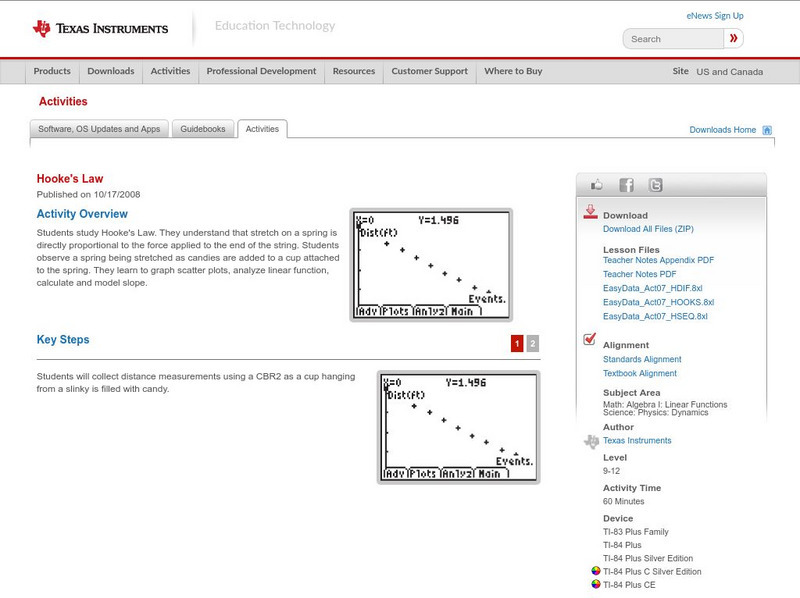
Texas Instruments: Hooke's Law
In this activity, students study Hooke's Law. They understand that stretch on a spring is directly proportional to the force applied to the end of the string. Students observe a spring being stretched as candies are added to a cup...
Texas Instruments
Texas Instruments: Follow the Golden Rule
Students find ratios and calculate measures of central tendency for sets of data. They understand the concept of the Golden Ratio. They use box-and-whisker plots to analyze data.
Texas Instruments
Texas Instruments: The Definition of Derivative
Students can use the graphing calculator to demonstrate the use of the difference quotient as the definition of the derivative.

Texas Instruments
Texas Instruments: Solving Equations by Graphing
This activity uses screen capture to introduce solving linear equations by graphing. Using screen captures save the teacher from having to go from one student to another to make sure the students' are typing the correct information into...

Texas Instruments
Texas Instruments: Explore Transformations With Matrices
Students can use a graphing calculator to explore transformations with matrices. They will analyze how each element of the matrix affects the position of the image.
Texas Instruments
Texas Instruments: Coordinate Plane
In this activity, students use the pen feature of the calculator to draw geometric shapes in a coordinate plane.
Texas Instruments
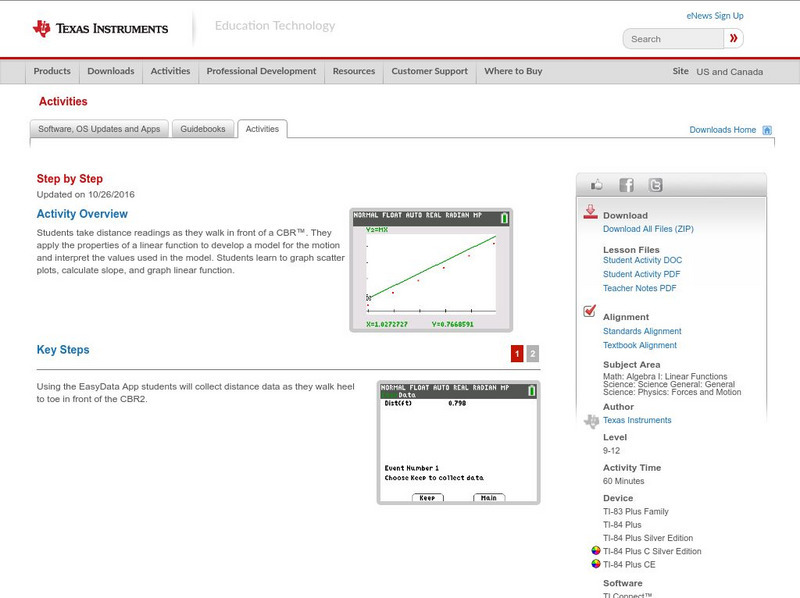
Texas Instruments: Step by Step
In this activity, students take distance readings as they walk in front of a CBR. They apply the properties of a linear function to develop a model for the motion and interpret the values used in the model. Students learn to graph...
Texas Instruments
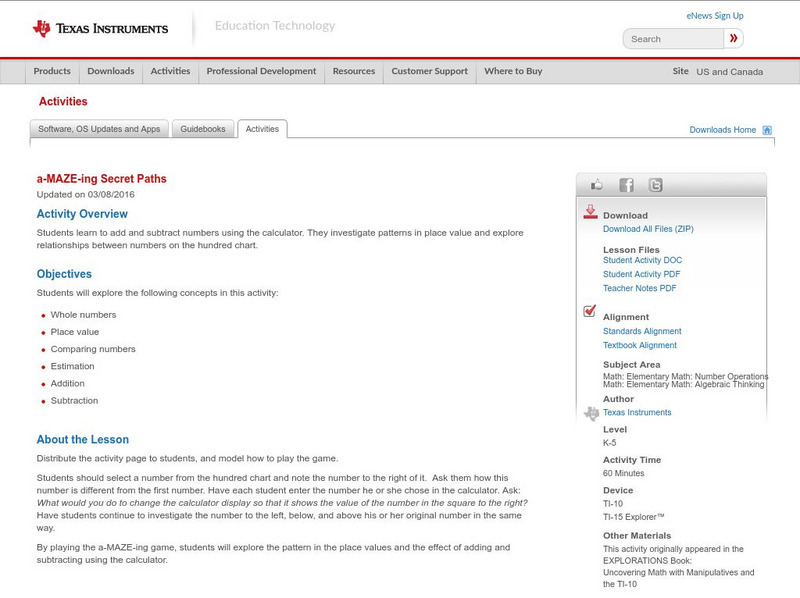
Texas Instruments: A Maze Ing Secret Paths
Students learn to add and subtract numbers Using the calculator. They investigate patterns in place value and explore relationships between numbers on the hundred chart.
Texas Instruments
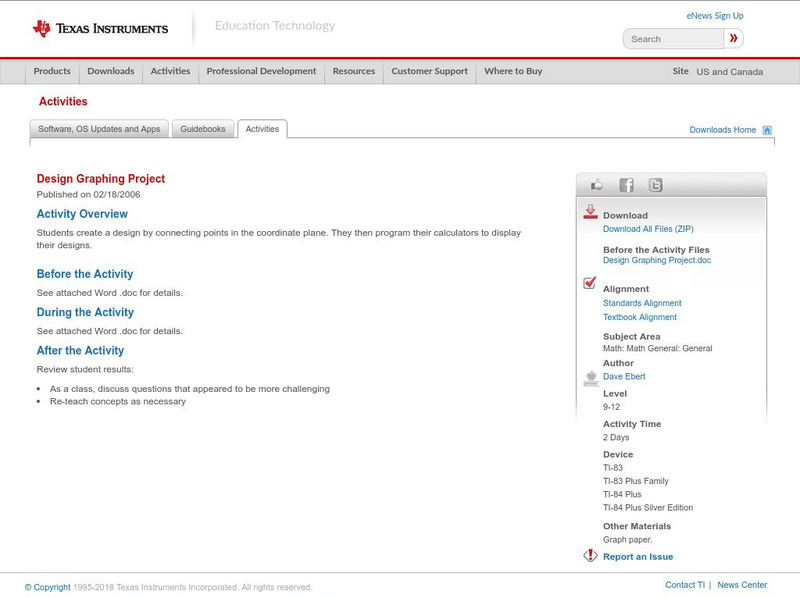
Texas Instruments: Design Graphing Project
Students create a design by connecting points in the coordinate plane. They then program their calculators to display their designs.
Texas Instruments
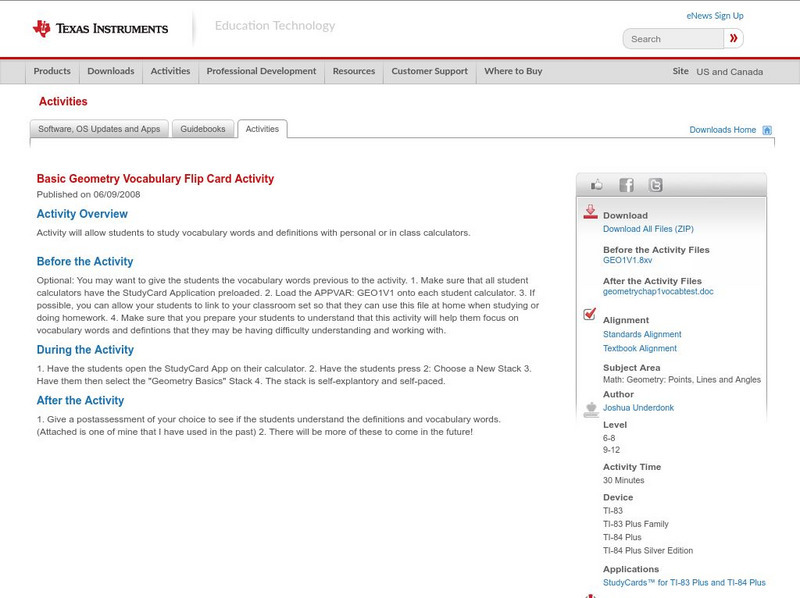
Texas Instruments: Basic Geometry Vocabulary Flip Card Activity
Activity will allow students to study vocabulary words and definitions with personal or in class calculators.

Texas Instruments
Texas Instruments: Solving Absolute Values
The students can use a StudyCards stack to learn how to solve absolute value equations and inequalities. Later, they will learn how to use the calculator graphing capabilities to solve the same type of problems in a new way.
Texas Instruments
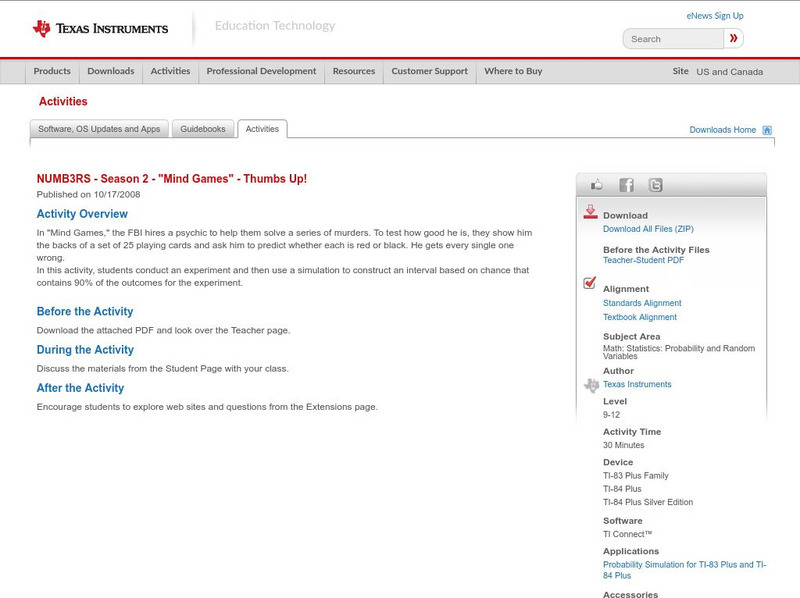
Texas Instruments: Numb3 Rs: Thumbs Up!
Based off of the hit television show NUMB3RS, this lesson introduces students to confidence intervals by using a simulation. Students use a calculator (or random number table) to simulate a situation with a certain success rate, and then...