Hi, what do you want to do?





Texas Instruments
Texas Instruments: Algebra Ii and the Ti 83+
This session will examine how the TI-83+ can be used to improve instruction in Algebra II classes. We will look at different objectives from the Algebra II curriculum and examine several ways that calculators can improve student...
Texas Instruments
Texas Instruments: The Closer I Get to You Ti 83
Here's a group activity your students can do to learn about rational functions. Students will use properties of reflections together with measuring tapes, mirrors, and masking tape to find a function that relates height of a reflection...
Texas Instruments
Texas Instruments: Using the Ti 83/84 to Explore the Binomial Theorem
This lesson will introduce students to the binomial theorem through a variety of activities. Pascal's triangle and probabilities will be explored through problem solving. The binomial theorem, combinations formula, and the binomial...
Texas Instruments
Texas Instruments: Exploring the Vertex Form of the Quadratic Function
Examine the changes in a graph of a quadratic function that occur when different transformations are applied to the vertex form of the equation. Students will need to have the transformation graphing application on their TI-83+...
Texas Instruments
Texas Instruments: Points of Intersection and Zeros of Functions
Solve equations and find zeroes of functions using the TI-83 in this lesson. Keystroke instructions and calculator screenprints are included to help students with the activity.
Texas Instruments
Texas Instruments: Explore End Behavior
Guide your students to the discovery that the end behavior of a polynomial function is determined by the degree of the polynomial and the sign of the leading coefficient by using this activity from Holt, Rinehart, & Winston's Algebra...
Texas Instruments
Texas Instruments: Graphing Polynomial Functions
Here's a very detailed, step-by-step activity for students to do to learn about the relationship between the factored form of a polynomial function and its graph. Calculator instructions for the TI-83 are given, right down to the screen...
Texas Instruments
Texas Instruments: Numb3 Rs Season 2 "Convergence" Where Is the Bullet?
Charlie uses parametric equations of projectile motion to figure out where to look for a fired bullet in the "Convergence" episode of the show NUMB3RS. The lesson plan includes a student page complete with keystroke instructions for the...
Texas Instruments
Texas Instruments: Inverse Functions
Review inverse functions with your students using this TI-83 activity. Students will find inverses of given functions, determine whether the inverse is a function, graph both, and check for symmetry through the line y=x. The lesson...
Texas Instruments
Texas Instruments: Half Life Lab
This activity explains how students use a CBL2 and TI-83 or TI-84 calculator to collect and calculate the half-life of a barium isotope. Students can use an isogenerator to milk out a meta stable isotope of Barium with a short half-life....

Texas Instruments
Texas Instruments: Inequality Graphing App
This activity investigates the use of the Inequality Graphing App of the TI-83 Plus/TI-84 Plus to solve a linear programming problem.
Texas Instruments
Texas Instruments: Programming to Find Area Under a Curve
Students will learn how to program the TI 83/84 Plus graphing calculator to approximate the area under a curve using Left,Right,Midpoint Riemann Sums, and Trapezoid Rule, and Simpson's Rule.
Texas Instruments
Texas Instruments: On Your Mark, Get Set, React
This session will demonstrate a novel approach to reaction time experiments done in junior science and mathematics courses. Participants will use a Calculator-Based Ranger (CBR) and a TI-83+ to record their reaction times.
Texas Instruments
Texas Instruments: Modeling and Simulating Projectile Motion
This activity provides participants the opportunity to model and simulate projectile motion using a program and the TI-83/84 family of graphing calculators. It is a preliminary in-class activity used prior to actual launching an...
Texas Instruments
Texas Instruments: Measuring Polygons an Introduction to Cabri Jr.
This activity is designed as an introduction to using the Carbri Jr. application on the TI-83+/84+ calculators. Students are guided through the menu system and are shown how to draw triangles, quadrilaterals and and a pentagon. Perimeter...
Texas Instruments
Texas Instruments: Collecting Pens
How many boxes of cereal must you buy to collect all six different prizes? Calculating this using probability rules is much more difficult than finding the answer using simulation. This lesson plan includes worksheets for students that...
Texas Instruments
Texas Instruments: Numb3 Rs: Judgement Call: Filtering Suspects
This brief activity clarifies to use Bayes' Rule and conditional probability to narrow down searches. Students then have the opportunity to calculate some conditional probabilities using the same technique. Graphing calculator technology...
Texas Instruments
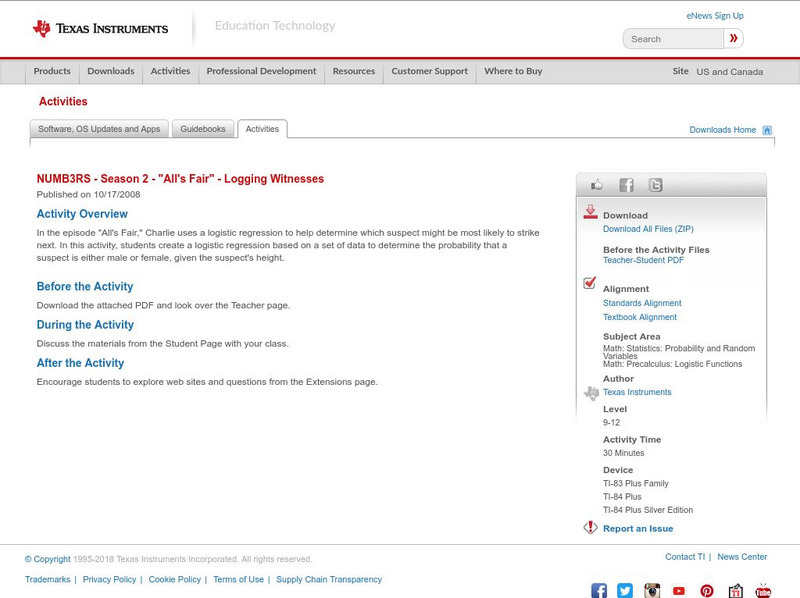
Texas Instruments: Numb3 Rs: Logging Witnesses
Charlie determines the probability that a suspect is male or female based on the suspect's height and logistic regression in the "All's Fair" episode of the show NUMB3RS. The lesson includes calculator keystrokes and screenprints to help...
Texas Instruments
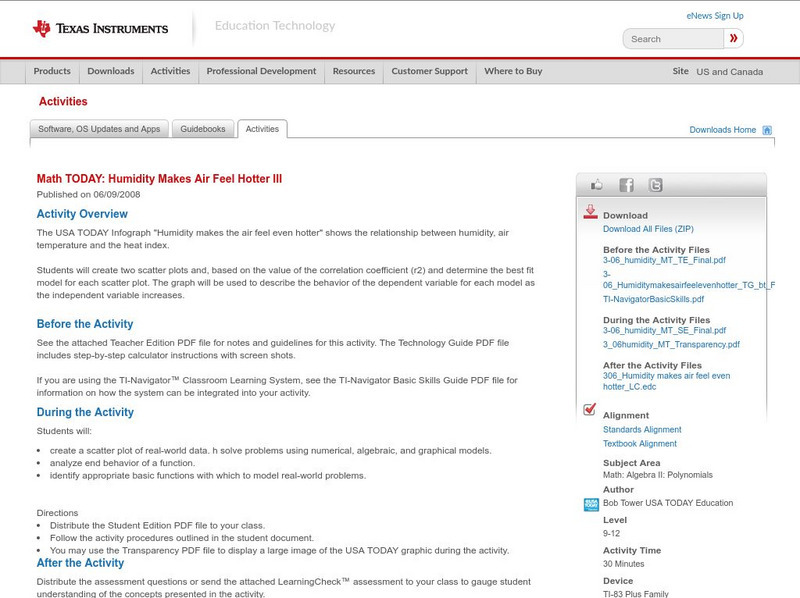
Texas Instruments: Math Today: Humidity Makes Air Feel Hotter Iii
Investigate the relationship among humidity, air temperature, and the heat index while learning about modeling data, evaluating functions, and describing the end behavior of a function. Students will use graphing calculator technology to...
Texas Instruments
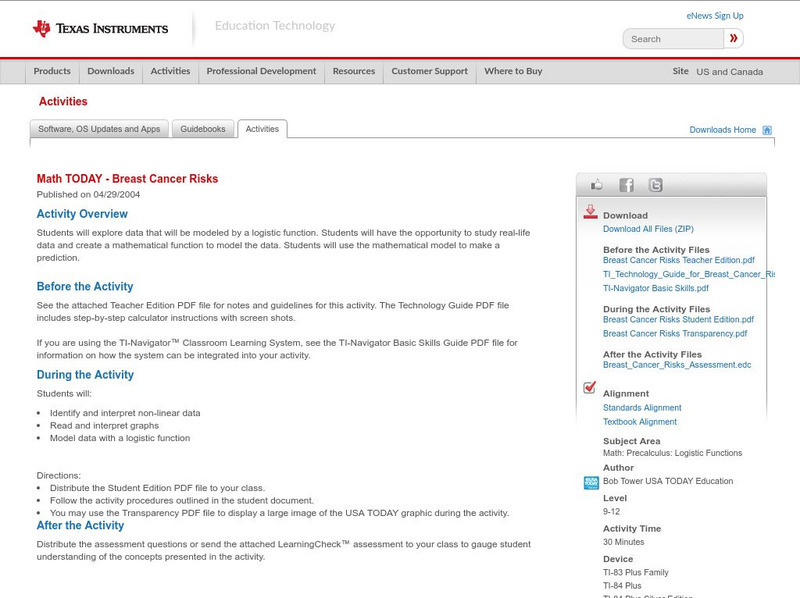
Texas Instruments: Math Today Breast Cancer Risks
Cross curricular lines while integrating technology into your classroom to study a real-world application of logistic regression. This activity shows students how to enter data into their graphing calculators and perform a regression in...
Texas Instruments
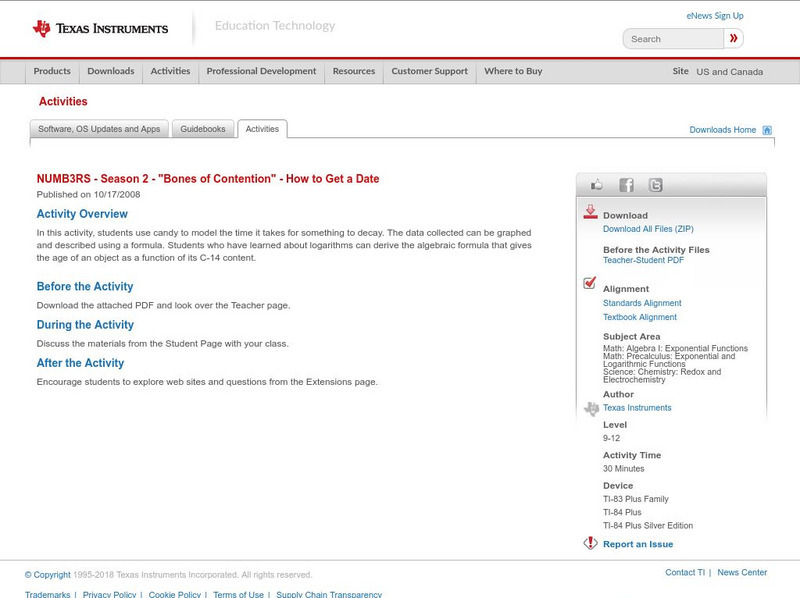
Texas Instruments: Numb3 Rs How to Get a Date for Episode
Students will learn how to estimate time of death by using a lab that models carbon dating and radioactive decay. Activity pages complete with calculator keystroke instructions and screenprints are included in this lesson plan based on...

Oswego City School District
Regents Exam Prep Center: Absolute Value Equations
The concept of absolute value equations is explained and then explored through several examples. Tips and suggestions are offered as to the common pitfalls to avoid. An all-class activity is also explained for the teacher to engage the...
Texas Instruments
Texas Instruments: Trig Ratios Exploring Sine, Cosine and Tangent
Using the Cabri Jr. App and the 83+/84+ calculators, students explore and calculate the various trig ratios. This is an easy construction but be sure to allow plenty of time for exploration and completion of the worksheet questions in...