Hi, what do you want to do?






Google
Online Safety Roadshow Activity
What does it mean to have digital citizenship? A set of lessons teach middle schoolers how to be safe and productive online. From sharing posts to creating secure passwords, learners discuss the importance of remaining diligent—and...

DirectTV
Staying Safe on The Internet
Watson the Walrus takes scholars through an interactive workbook all about internet safety. Safety tips, a maze, crossword puzzle, quiz, and coloring page make up six pages that encourage smart choices while surfing the web.

Google
Be Internet Awesome
Teach the qualities of a digitally smart citizen with a set of lesson plans created by Google. Along with creating strong passwords, learners explore how to protect their privacy, when to stand up for others against cyberbullying,...

Google
Interland
"Be Internet Awesome" is the motto in a super cool digital citizenship interactive created by Google. Interland is made up of four lands that explore the importance of digital safety and helps young Internet users to be alert, strong,...

BBC
Getting Online One Click at a Time
The Internet is a vast and fascinating place to be, but you have to know how to get there first! Use a helpful guide to become computer savvy in no time. It covers computer basics such as keyboarding and hardware, and goes into e-mail,...

Me and My Shadow
Trace My Shadow
Which creates more digital traces: surfing the Internet in a coffee shop, or using an iPhone to send a text message? The answer may surprise you! An interactive resource prompts users to choose which devices, operating systems, and...

Curated OER
Animal Adaptations
Young scientists explore the animal kingdom from the safety of the classroom with this short research project. After first choosing an animal, children use the Internet to discover where it lives, what it eats, and how it...

Queen of Heaven School
Computer Curriculum
Need some extra resources to get your class computer savvy? How about several years' worth? Show pupils in K-8 a progression of proficiency in a series of computer lessons. Learners master the basics, then work with the Microsoft Office...

Google
Google: Be Internet Awesome: Interland
Kids can play their way to being Internet Awesome with Interland, an online adventure that puts the key lessons of digital safety into hands-on practice with four challenging games. Play your way to being an Internet Legend!
Other
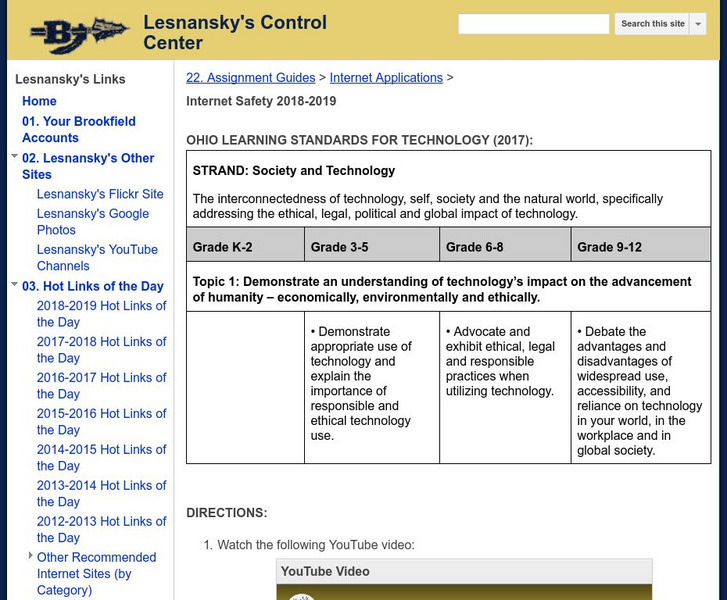
Brookfield High School: Lesnansky's Control Center: Internet Safety
In this activity, students watch a video on staying safe online, then create a slide presentation using Google Slides (or other software, e.g., PowerPoint) that explains the four main points stated in the video. [5:02]

Goodwill
Gcf Global: The Now
A website with 32 links to topics such as New Technology, Internet Culture, Using the Internet, and Safety.
Other
Childnet International: Digizen: Social Networking Detective
This social networking profile has been created to stimulate discussion about safe and potentially unsafe practices and features on social networking sites. Together with the accompanying questions, it has been designed to highlight ways...
Common Sense Media
Common Sense Media: Education: Private and Personal Information (3 5)
As students visit sites that request information about their identity, they learn to adopt a critical inquiry process that empowers them to protect themselves and their families from identity theft. They learn the difference between...
Google
Google Applied Digital Skills: Understand Your Digital Footprint
Visualize your digital footprint by recording your online actions in a spreadsheet.