Hi, what do you want to do?






Curated Video
Policy - The Community Guidelines
Following a site's community guidelines is just one step toward being an excellent digital citizen. After a brief introductory video, small groups come up with their own community guidelines and present their ideas to come up with a...

Curated OER
Bringing Citizenship to the Digital Natives in Your Classroom
Tools, tips, and how-to's for supporting students in becoming responsible, literate citizens of the digital world.

Curated Video
Online Reputation and Cyber-bullying
Combat cyberbullying with information. During this plan, learners watch a couple of videos, consider online behavior scenarios, brainstorm long- and short-term consequences, and discuss how to react to bullying in order to build up to...

Curated OER
What is a Computer Crime?
An important lesson on cybercrimes is here for you. In it, young computer users learn about how people commit crimes on computers by hacking into accounts, and stealing personal information from people. Some excellent discussion...

Common Sense Media
Going Places Safely
How can places on the Internet be dangerous? Youngsters draw important connections between traveling online and staying safe in the real world. They also discover three key online safety rules to guide them throughout their...

Deliberating in a Democracy
Cyberbullying—Alternate Lesson Plan
Should schools be permitted to punish young scholars for off-campus cyberbullying? After reading a passage that details statistics about cyberbullying and Supreme Court rulings about schools' ability to limit student speech,...

Nemours KidsHealth
Online Safety: Grades 3-5
In two lessons all about online safety, scholars assist Nina in making smart decisions. First, they finish a speech started by the computer to detail why Nina's internet activity isn't safe and what she should do instead. Second,...

Curated OER
The Info Gang
Students explore personal safety by participating in an Internet activity. In this internet security lesson, students identify the uses of passwords and screen names in order to hide and secure their digital identities. Students practice...

Queen of Heaven School
Computer Curriculum
Need some extra resources to get your class computer savvy? How about several years' worth? Show pupils in K-8 a progression of proficiency in a series of computer lessons. Learners master the basics, then work with the Microsoft Office...

Curated OER
Cyberbullying:What is It? What Can We Do About It?
Learners examine the prevalence of cyberbullying. In this character education lesson, students read articles about cyberbullying and its implications. Learners respond to discussion questions.

Newspaper Association of America
Power Pack: Lessons in Civics, Math, and Fine Arts
Newspaper in Education (NIE) Week honors the contributions of the newspaper and is celebrated in the resource within a civics, mathematics, and fine arts setting. The resource represents every grade from 3rd to 12th with questions...

Curated OER
What Does It Do? Parts of the Computer
This is a nice introduction for first graders to parts of the computer. It includes several resource links to PowerPoints to show the class. There is one activity for the class to do. This is a basic introduction, and could definitely be...

Curated OER
Good E-mail Manners
Students discuss online e-mail safety and etiquette rules and how they should apply the same rules in cyberspace as they use when encountering strangers in the face-to-face world. They participate in mock situations and tell what the...

Curated OER
Discovering the World Virtually
Learners experience world adventures through the internet. In this technology lesson, students use a suggested internet site and explore each expedition. Learners can virtually travel such lands as China.

Other
University of Potomac: Online Etiquette: 14 Netiquette Rules Online Students Should Know
Netiquette guidelines are a set of rules that dictate what tasteful and respectful online behavior is. How to speak respectfully without taking part in disrespect or bullying is among the main reasons why we need these rules. These rules...

Other
Albion: The Core Rules of Netiquette
Excerpts from the book "Netiquette" which gives etiquette rules for using the Internet. Ten rules with explanations are presented.
Other
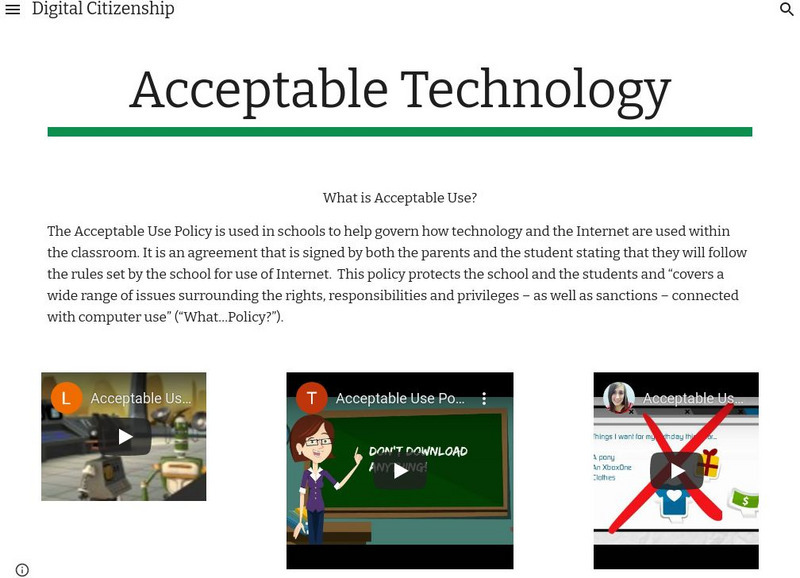
Digital Citizenship: Acceptable Technology
The Acceptable Use Policy is used in schools to help govern how technology and the Internet are used within the classroom. It is an agreement that is signed by both the parents and the student stating that they will follow the rules set...
Common Sense Media
Common Sense Media: Education: Lesson: Pause and Think
[Free Registration/Login Required] In this lesson, the Digital Citizens teach students how to be safe, responsible, and respectful online. Includes slideshow, video, lesson plan, song and lyrics, poster, coloring book, and resources for...
ABCya
Ab Cya: Cyber Five
Cyber-Five is a short animation which introduces children to five helpful rules to be safer on the internet. Join Hippo and Hedgehog as they introduce and review the five rules. There is a multiple choice quiz at the end of the animation...
Other
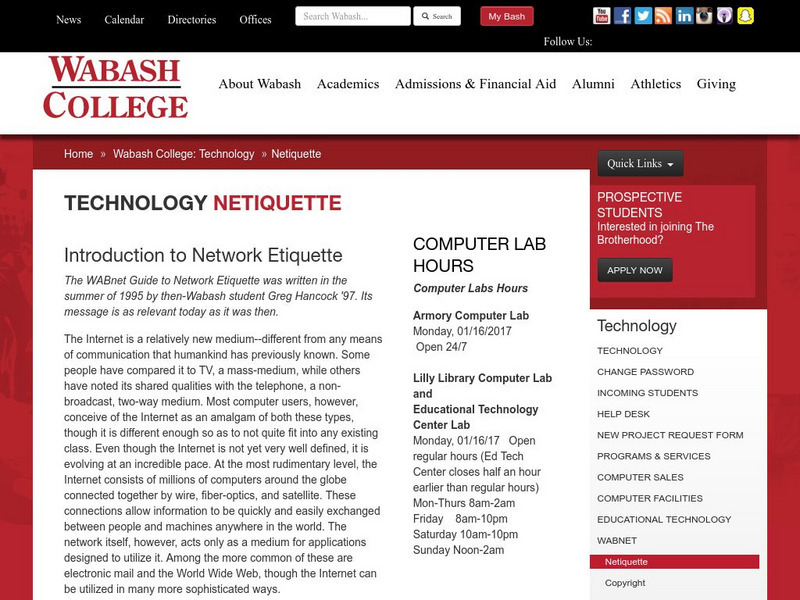
Wabash College: Introduction to Network Etiquette
This site from Wabash College gives rules not only for internet etiquette, but more specifically for etiquette concerning networks. This site is particularly relevant to college students.
Common Sense Media
Common Sense Media: Education: Lesson Plan: Powerful Passwords
Students learn the benefits of using passwords and then play a board game to discover some strategies for creating and keeping secure passwords. Requires free membership.
Common Sense Media
Common Sense Media: Cyber Smart! Student Curriculum Lesson: Can You Hack It? [Pdf]
Students learn that computers and electronic files are property and explore the reasons for, consequences, and ethics of teen hacking. This ISTE-aligned lesson plan for Grades 6-8 includes student activity and Home Connection sheets....
Other
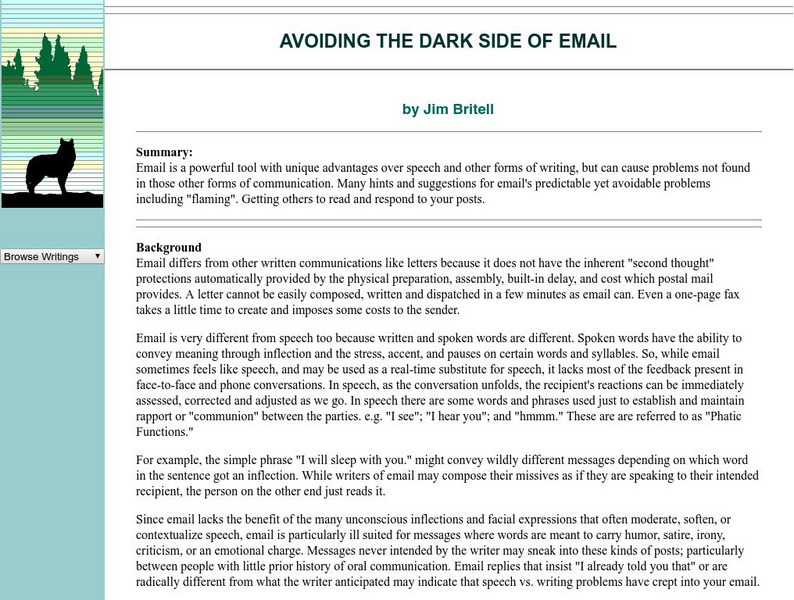
Grassroots Consulting: Avoiding the Dark Side of Email
This thoughtful essay argues the dangers of miscommunication in e-mail and how to properly convey your message.